Device Exchange
Valid for
|
GridVis editions |
Software platform |
|
|
|


Description
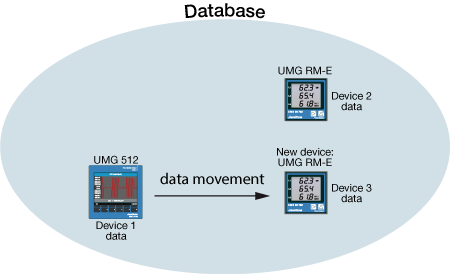
The function Device Exchange requires a new database action in the GridVis software. When exchanging devices, the historical data of the existing device (source device), is moved onto a new device (target device) independent of device type and without loss of data (cf. fig. to the side).
Note
The function Device Exchange is
independent of the device type (i.e. the e.g. historical data from a UMG 512 can be moved to a UMG 96RM-E.).
Valid for the databases MSSQL, JanDB, MySQL.
Note
For Device Exchange only use target devices that have not yet been read out and don't have any historical data!
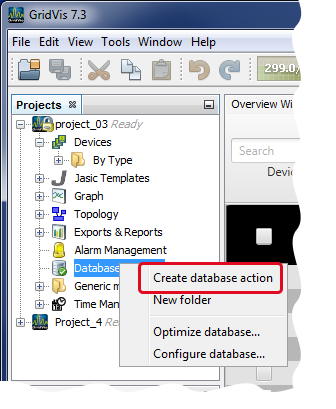
Open the assistant Create New Database Action
Start the GridVis software.
Right-click on the directory Database in the window Projects and in the context menu that opens, click on the entry New Database Action"
The assistant Create New Database Action starts.
Assistant Create New Database Action
Step 1:
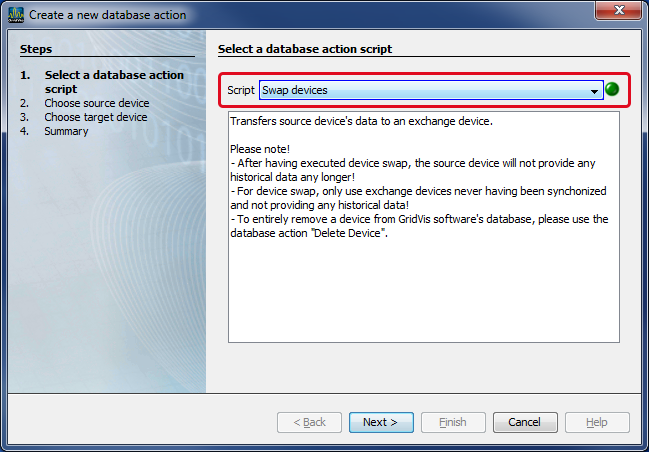
In the option list Script select the entry Device Exchange.
Note
After performing the device exchange, the source device will not have any historical data!
For Device Exchange, only use target devices that have not yet been read out and don't have any historical data!
To completely remove a device from the GridVis software database, use the database action Delete Devices.
Click on the button Continue.
Step 2:
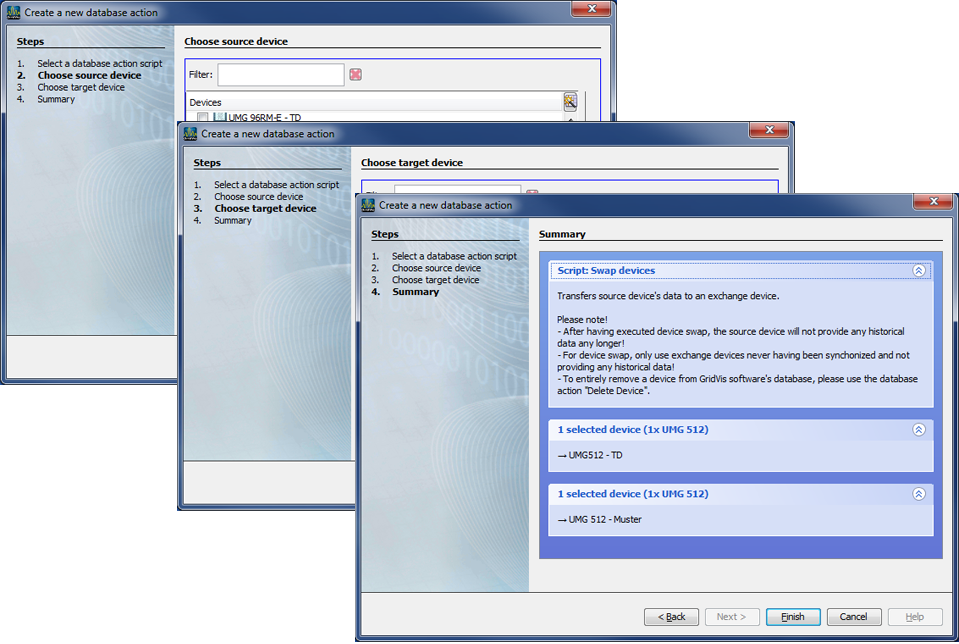
In the list Devices, select your source device (device whose historical data you will move).
Click on the button Continue.
Step 3:
In the list Devices, select your target device (device onto which you will move historical data).
Click on the button Continue.
Step 4:
Summary of the function Device Exchange with the
a description of the script
for selecting the source device.
for selecting the target device.
To exit the assistant Create New Database Action, click on the button Done.
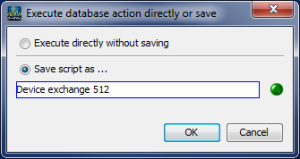
The window Execute or Save Database will appear with the options of executing the database action or as a script to save for execution at a later time.
Select your option and click on the button OK.
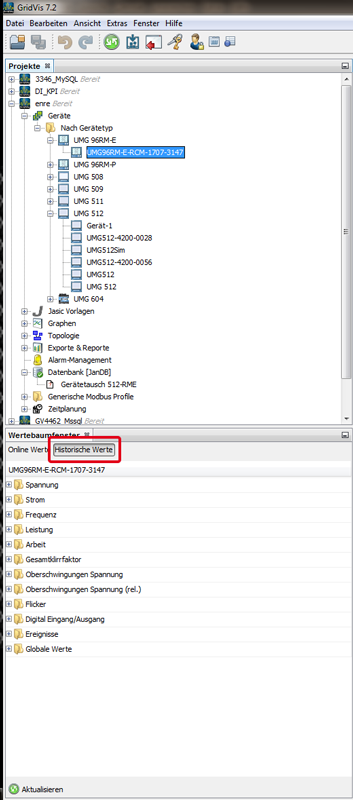
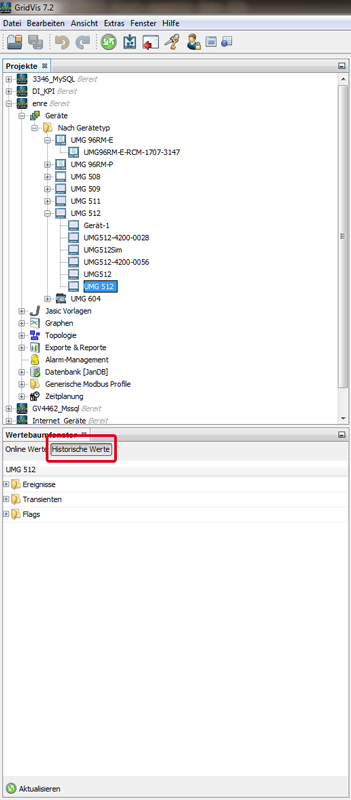
After completing the Device Exchange the target device will show the historical data taken from the source device. The source device now no longer has any historical data!