JASIC start
The JASIC environment provides the interface for the programming and administration of JASIC templates.
JASIC is similar to the program language BASIC. JASIC code can be processed by various Janitza devices.
JASIC templates are programmed either graphically or with text in the GridVis.
The Graph or Editor buttons in the JASIC environment are used to switch between the views.
How:
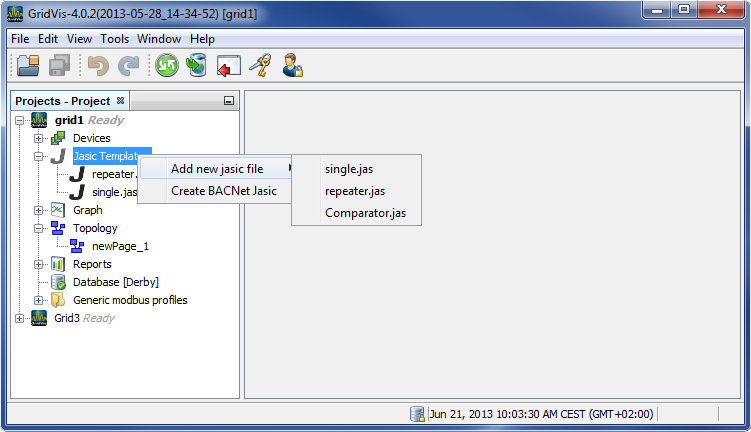
Select the Jasic templates node in the project window.
Select the item Add new Jasic file in the context menu and select the sub items single.jas, repeater.jas or Comparator.jas.
Give the file a name.
Using the menu item Window/Palette, open the Palette window .
Graphic programming basics:
JASIC programs are assembled by dragging the JASIC modules from the Palette window to the graphic programming window.
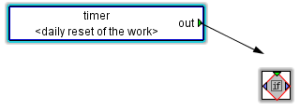
Two components are linked by clicking the colored triangle of a module, keeping the mouse key pressed down and dragging with the mouse to the triangle of another module until the link perceptibly snaps in. The type of connection (color of triangle) and the direction in which the connection is made must be taken into account.
Additional parameters can be set by double-clicking on a module.
Components can be copied or removed by right-clicking on them.
Connecting lines can be deleted via the corresponding context menu.
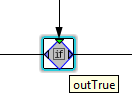
A quick reference appears when the mouse cursor is briefly held on a component.
Establishing a connection:
Quick reference: