Logging in to Janitza ID

Logging in to the Janitza ID
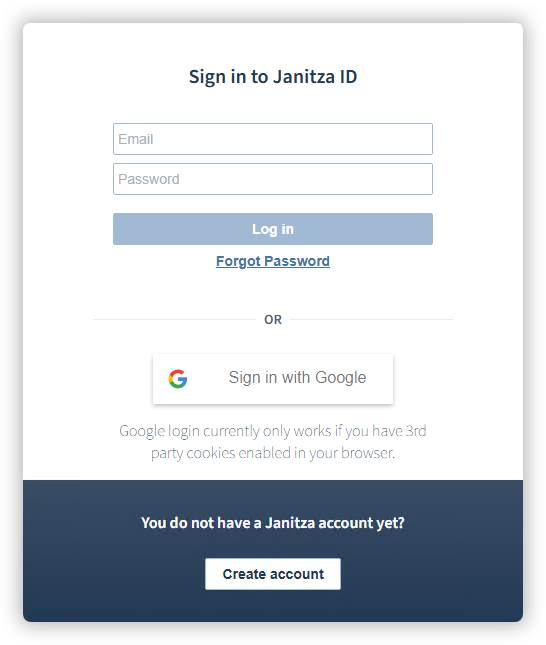
Start the license management via the link id.janitza.de . The Janitza ID login window appears.
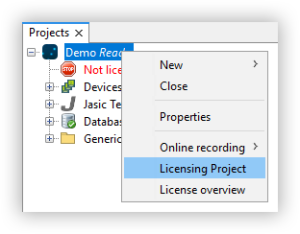
Alternatively, you can access the login window by right-clicking on a project in the GridVis Desktop and then selecting the Licensing Project entry in the context menu.
Using an existing Janitza ID
Log in with the access data for your Janitza ID.
Alternatively, log in with an existing Google account.
After logging in successfully you will be taken directly to the Account overview of your Janitza ID.
Creating a new Janitza ID
Click the Create account button in the login window.
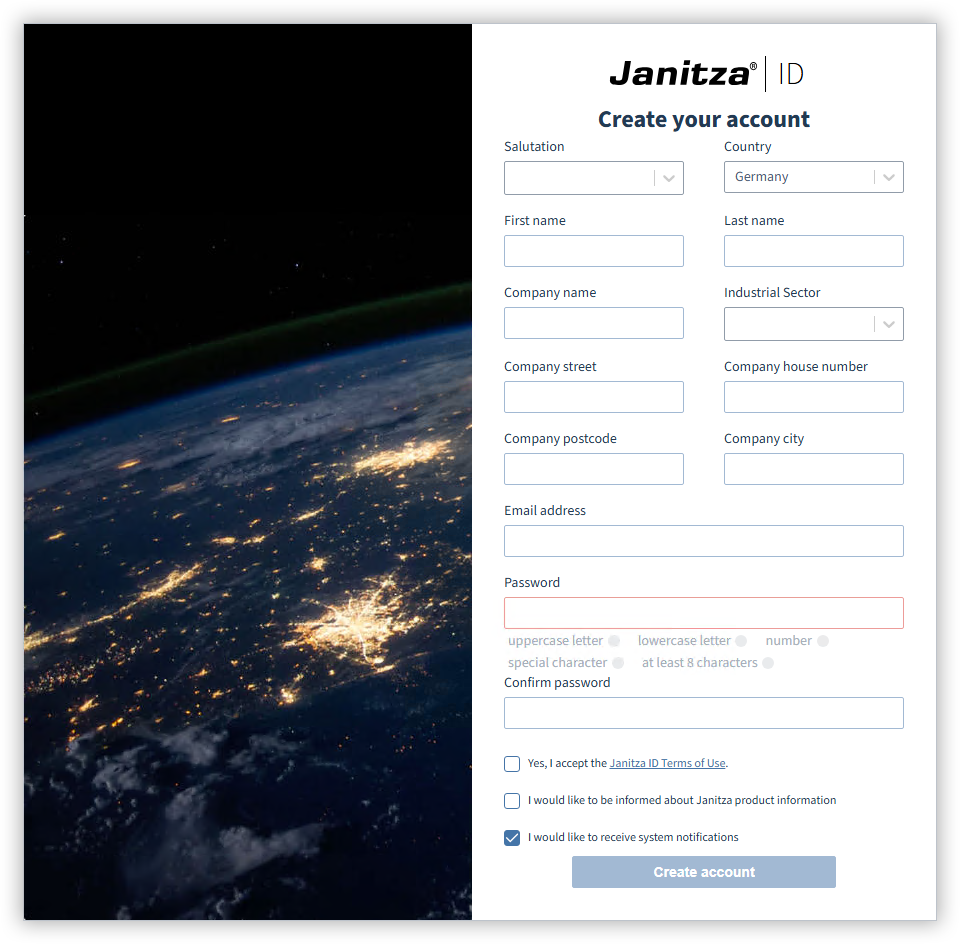
The window for creating a new Janitza account will appear.
Fill in the required fields (name, address, ...).
Accept the Janitza ID Terms of Use.
Optionally, you can permit notifications about product information from Janitza as well as system notifications.
Click the Create account button.
After logging in successfully, you will receive a verification email at the email address provided.
Confirm the link in the verification email to complete the account creation.
After logging in successfully you will be taken directly to the Account overview of your Janitza ID.