Identification
How can I identify and assign the device at a later point in time?
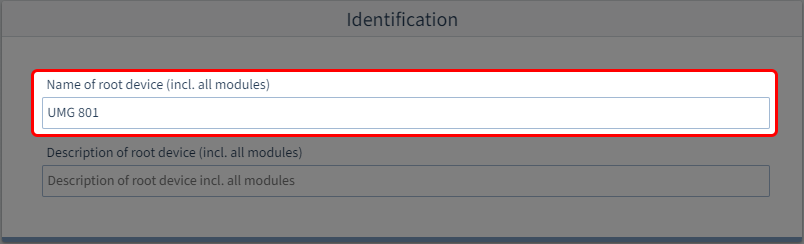
Step 1: Device name
Enter a name (max. 127 characters). The name refers to the system consisting of the basic device and all modules.
The assigned name then appears in the navigation area (under Devices) of GridVis Desktop.
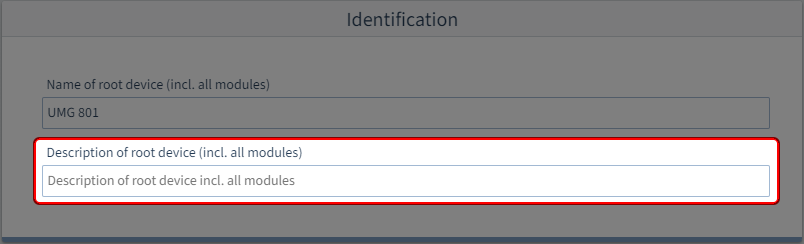
Step 2: Device description
In this field you can add a more detailed description of the device or also notes. Max. 239 characters are available for this purpose.