Set values*
When you replace a measurement device with a new one, you can set the last values of the old measurement device as the start values for the new measurement device here.
Note
* This configuration card is not available for measurement devices of the type PA-MID+.
To set consumption values
Read out the previous values that are to be used as the new start values.
Fill the Select input, Select value type and Edit value fields with a starting value.
Repeat step 2 for all desired inputs (start values).
Transfer the configuration to the device to set the Start values .
Settings
Setting values
Select input, Select value type
In these fields, select a measured value for which you want to set a start value.
Edit value
Specify the start value to be transferred to the measurement device for the measured value selected under Select input and Select value type.
By default, this field displays the current meter reading in the measurement device. Consequently, the meter reading in the measurement device will not be increased when you retransmit the configuration to the measurement device .
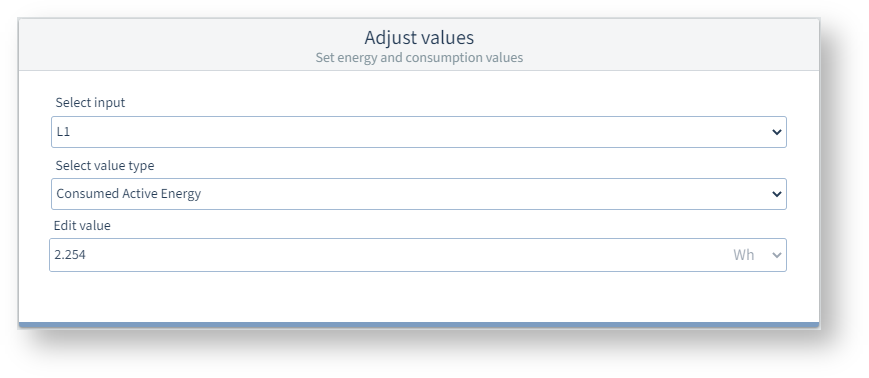
Example image: UMG 96-PQ-L