Export security realm configuration
To export a security realm configuration, which is useful if you would like to use your GridVis software on other PCs, proceed as follows:
The security realm configuration can be exported in 2 ways:
In the window User administration overview, click on the button Export a security realm configuration under the user directory actions, or
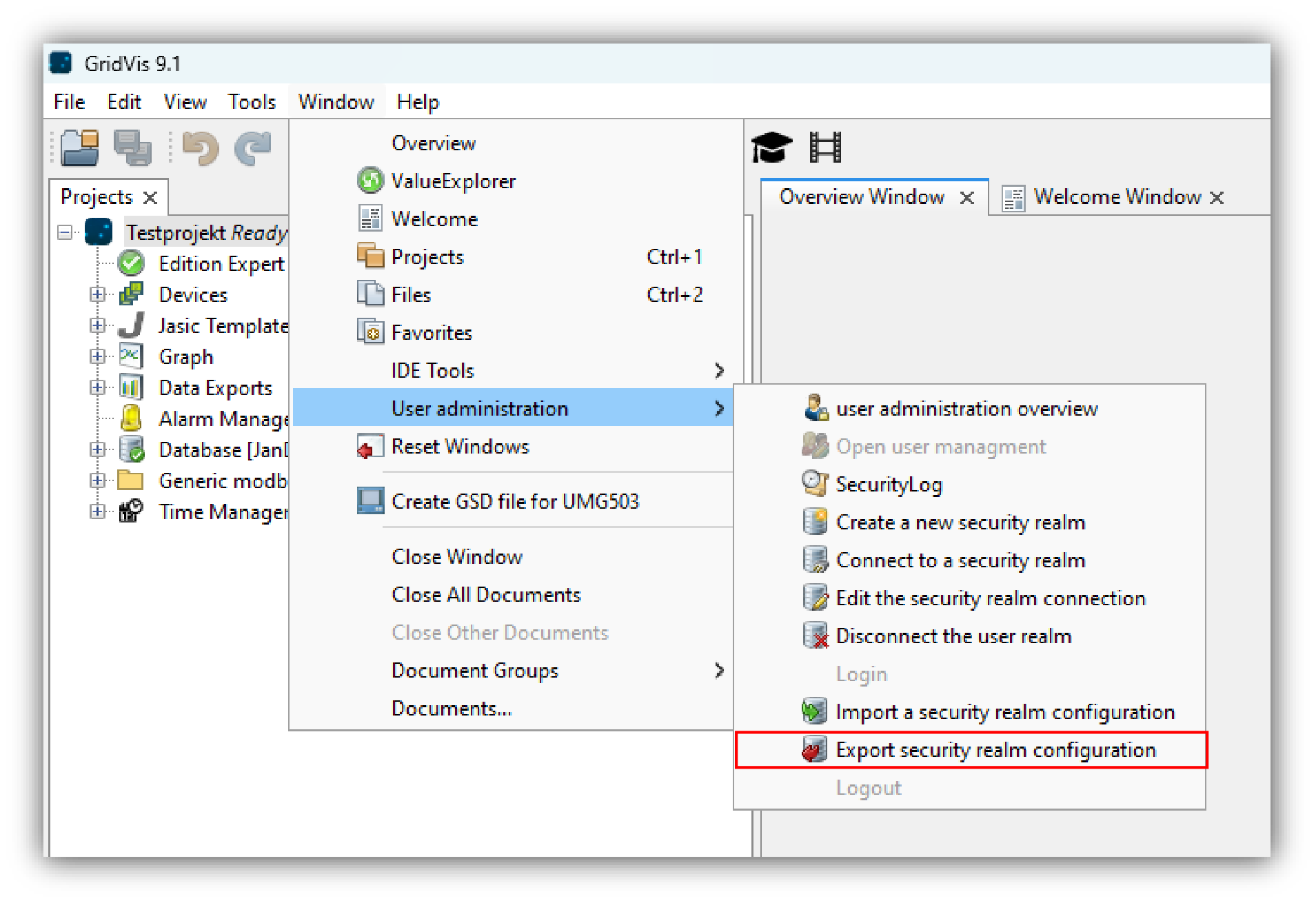
click on the button Export a security realm configuration in the submenu User administration of the menu bar entry Window (see figure on the right).
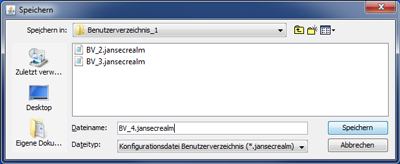
In the window Save select your folder directory to which the configuration file of your user directory file type: .jansecrealm) is to be saved.
Click on the button Save.
The file can now be used for importing.
You can find out how to import the configuration file of your user directory in Import a security realm configuration .