Log Out (on User Directory)
Log Out on a user directory works in 2 ways:
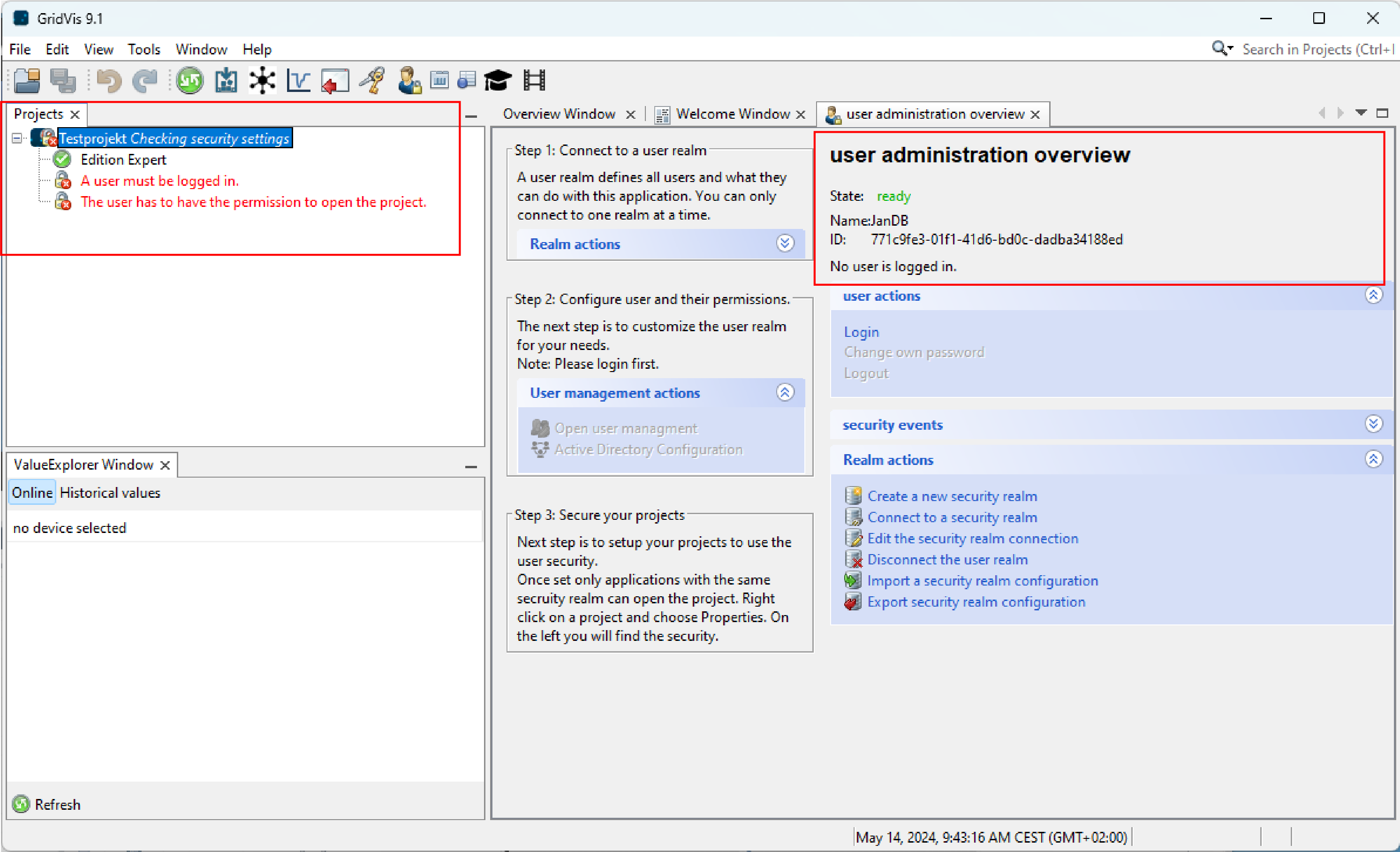
In the User administration overview window under user actions, click on Logout or
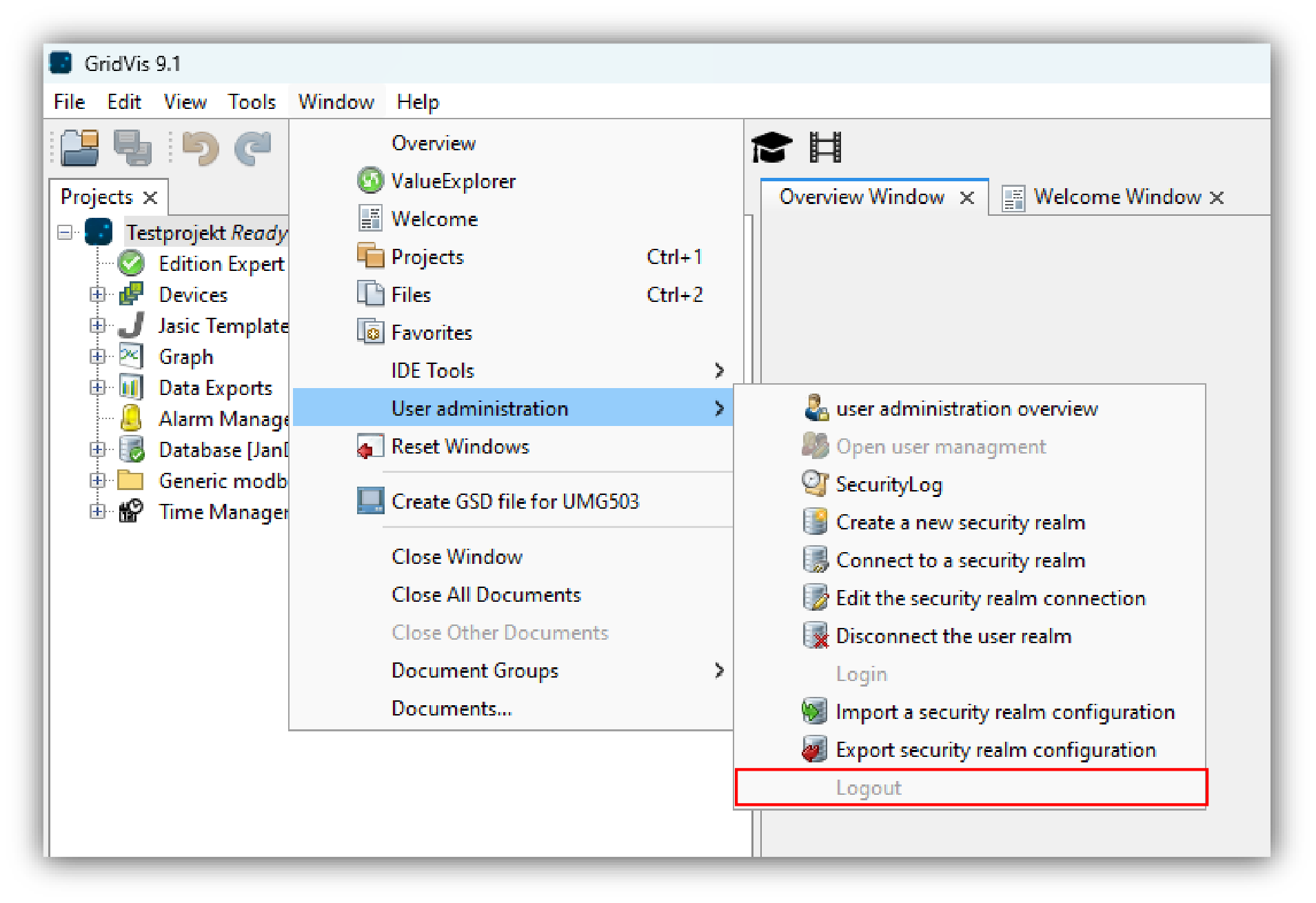
click on Logout in the submenu User administration of the menu list entry Window (see figure on the right).
In the User administration overview window under State, the message No user is logged in is displayed.