Nominal Values

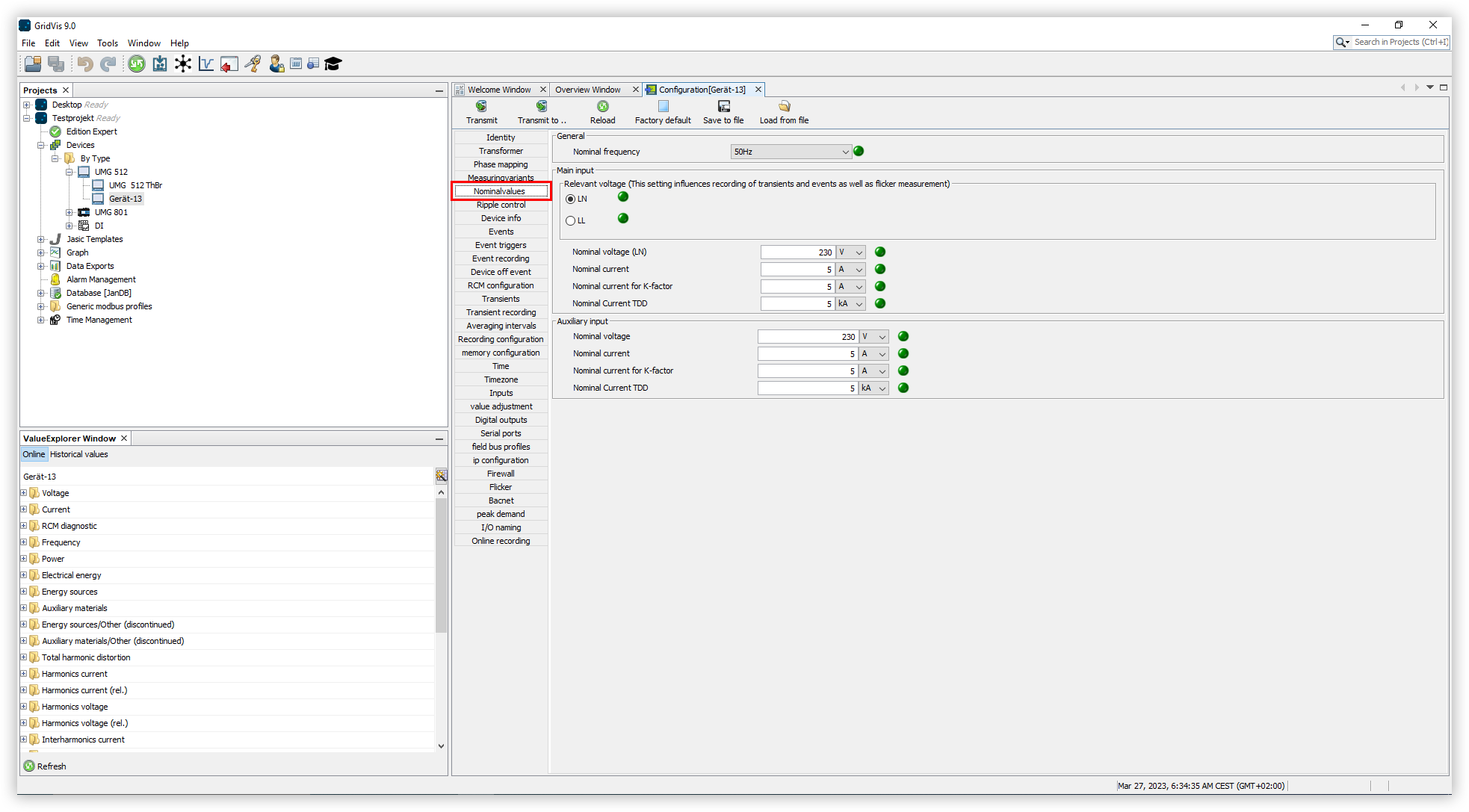
Proceed as follows to configure the nominal values of your device using GridVis:
In the Configuration window, click the Nominalvalues menu item.
Open the Nominal frequency drop-down list and select the desired option. Here you have the option of specifying a fixed nominal frequency or having it determined automatically.
Set whether the voltage LN or LL is to be measured.
Set the other values for your main and auxiliary measurement along with the associated unit. These include:
The Nominal voltage
The Nominal current
The Nominal current for the K-factor
The Nominal current TDD