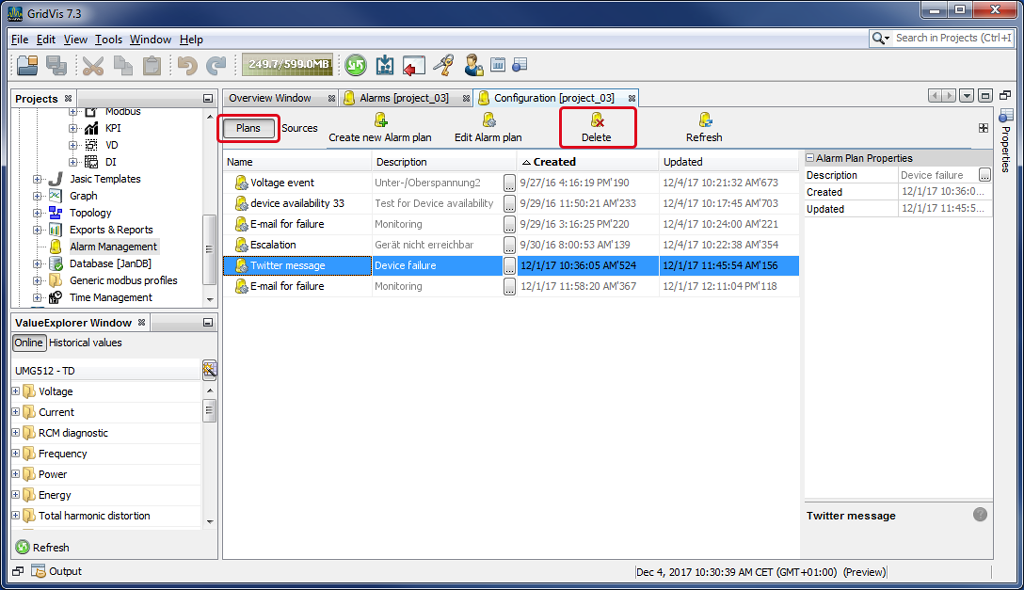
Alarm Plan Delete
Description
With the Delete button you can delete existing alarm plans and their links to the alarm sources.
Click on the button Alarm Plans to open the alarm overview.
Mark the alarm plan you would like to delete.
Click on the Delete button.
A Confirmation Window opens, in which you can confirm the deletion of the entry.
Your alarm plan is then permanently deleted.