Master Page

Objects
placed on the master page appear on all pages by default. These objects can only be edited on the master page. This can be used to design headers and footers, for example.
The master page itself does not appear in the report and has no page number.
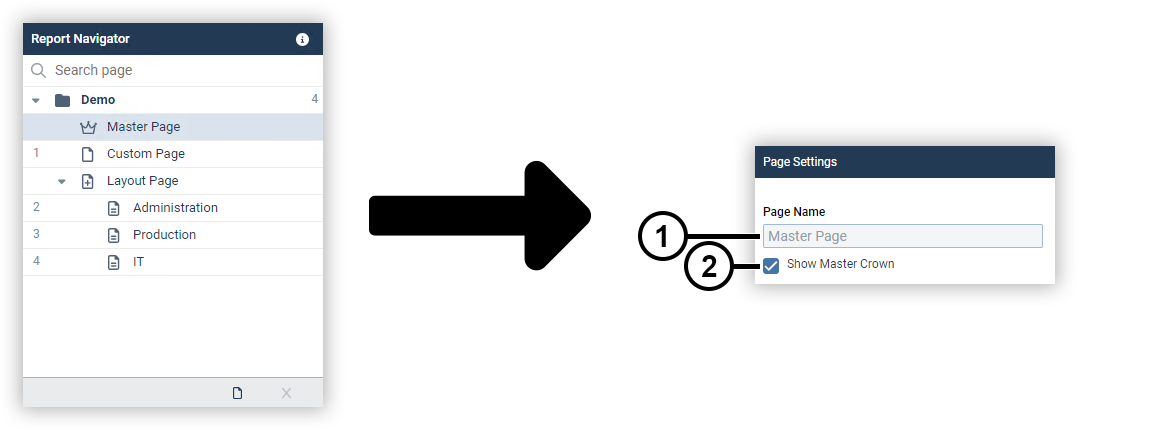
|
Position |
Description |
|
1 |
Displays the page name. Note The page name of the master page is fixed and cannot be changed. |
|
2 |
Marks objects of the master page with a crown symbol on the other pages. |