Nominal Values
Which nominal values can I set?
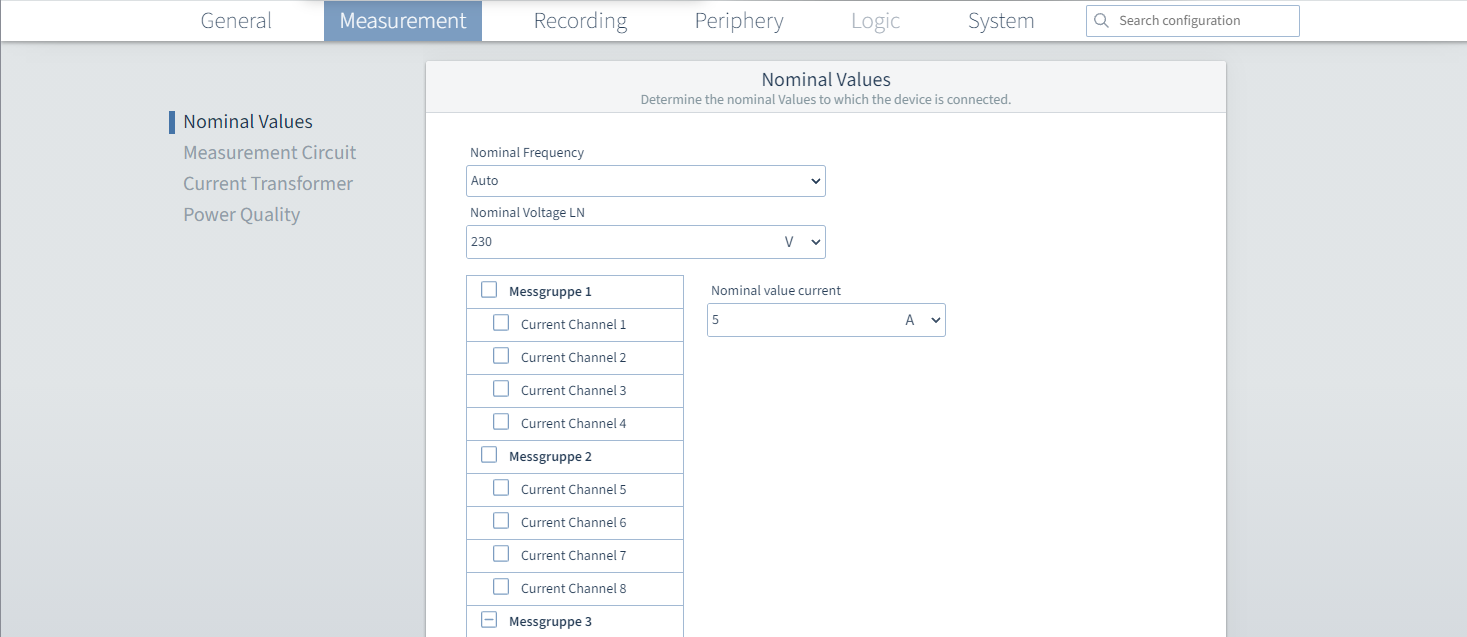
Open the Nominal Values tab
To open the configuration of the nominal values:
Click the Measure tab on the menu bar.
Select the Nominal values configuration card.
In the following tab, you can enter the nominal frequency, nominal voltage and nominal current for the connected mains system. The nominal voltage and nominal frequency are set globally here only once.
How do I specify the nominal values?
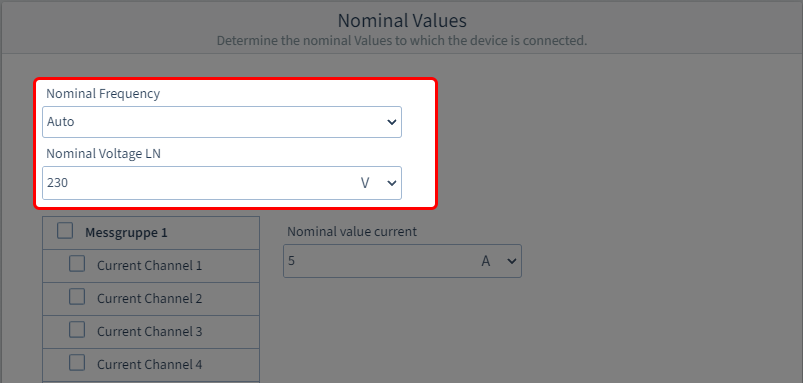
Step 1: Specify the nominal frequency and nominal voltage
In the four-wire mains system, the parameters apply to the values between LN, and in the three-wire mains system to LL (configurable under Measurement Circuit ).
Select the nominal frequency: 50 Hz, 60 Hz or Automatic.
If Automatic is selected, the device automatically detects whether 50 or 60 Hz is applied to the measuring inputs.Enter the mains voltage in the Nominal Voltage input field and select the appropriate unit.
Step 2: Specify the nominal current
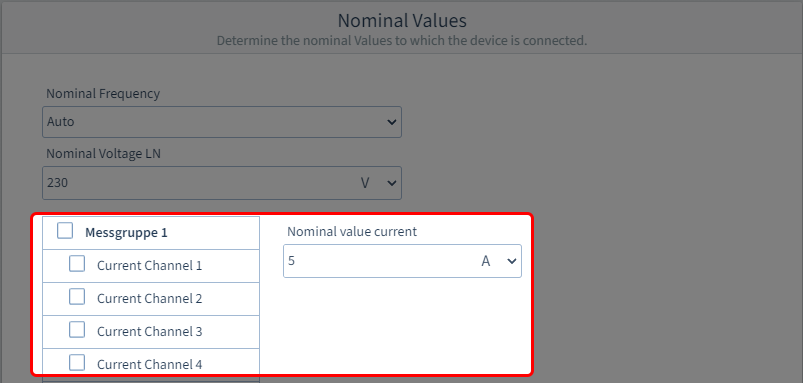
First select a measurement group or a single channel. You can directly assign the same parameters to an entire measurement group or, if needed, configure each channel individually.
Enter the nominal current of the channel or measurement group in the input field and select the appropriate unit.