System
Time
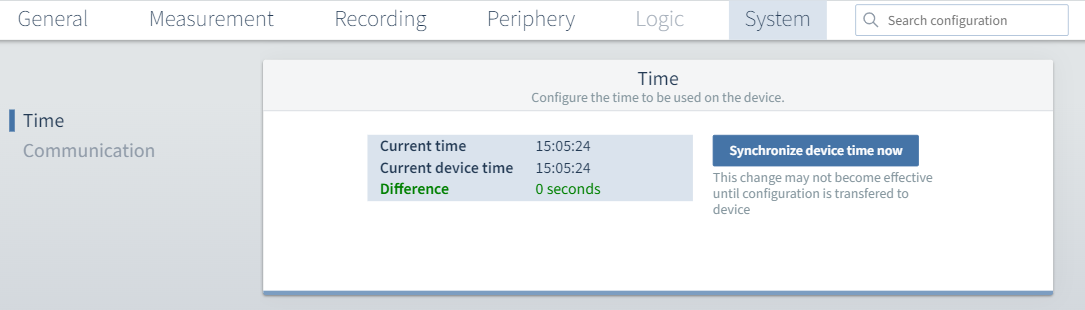
Here, you can compare the current time with the system time of the device. If necessary, you can transfer the time from the PC to the device using the Synchronize device time button. You must also transfer the changed configurations to the device using the diskette icon.
Communication
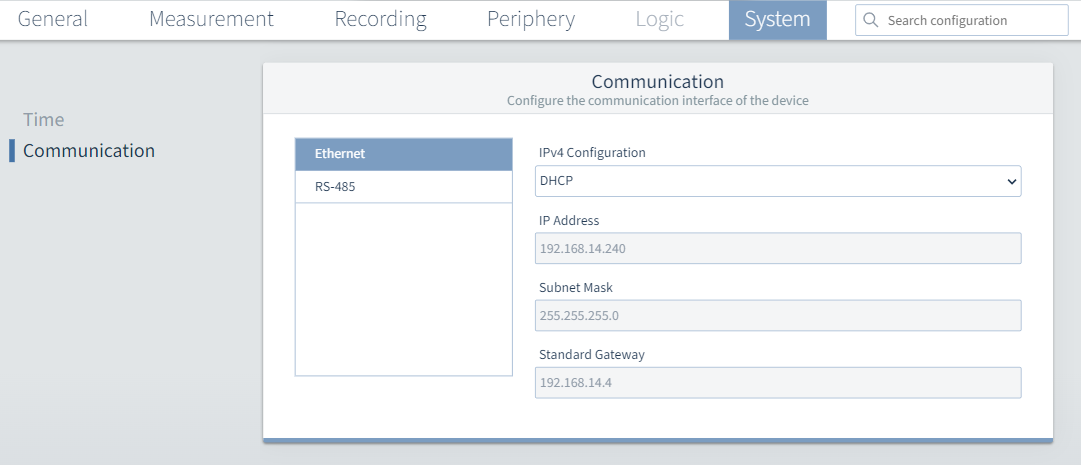
Ethernet: If you have connected GridVis to the device via Ethernet, you can adjust the settings here.
Note
This configuration card is only available if the measurement device has an Ethernet connection. The 806-EC1 module is required for this.
The DHCP selection is available for this purpose. In this case, the IP address is assigned to the device automatically via the DHCP server. This means you cannot make any changes to the fields with a gray background.
Alternatively, you can use the Fixed IP address selection to edit all fields manually.
Attention!
Material damage due to incorrect network settings!
Incorrect network settings can cause faults in the IT network.
Consult your network administrator for the correct network settings for your device.
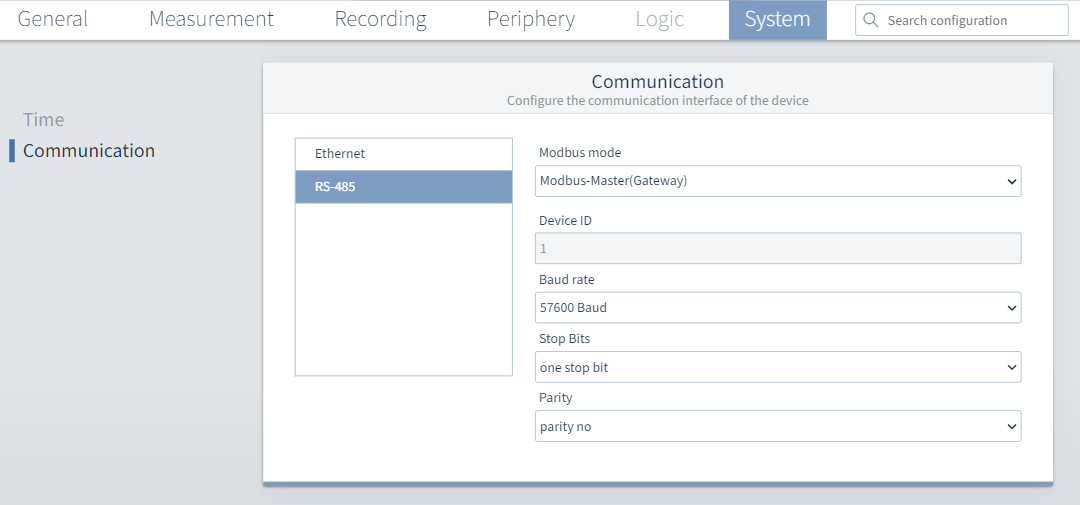
RS-485: These settings allow you to determine whether your device is to be used as a slave (server) or master (client).
Modbus Master(Gateway): This measurement device is configured as a gateway, i.e. it is connected to a higher-level PC or server via Ethernet (Modbus TCP).
Several measurement devices or other devices can be connected to the gateway via RS-485 (Modbus RTU). With Modbus RTU, the gateway acts as a client (old designation, "master") that initiates the communication.
Modbus slave: This measurement device is configured as a server (old designation, "slave"), which responds to the requests of the gateway (client).
Device ID Assign a device address to the device which can be used to address the device in the bus structure. Each device address exists only once in a bus structure!
Baud rate Select a uniform baud rate for all devices in the bus structure!
Stop bits, parity Select a uniform data framework for all devices in the bus structure.