Parameters LMC-008-IO
|
Area |
Description |
|
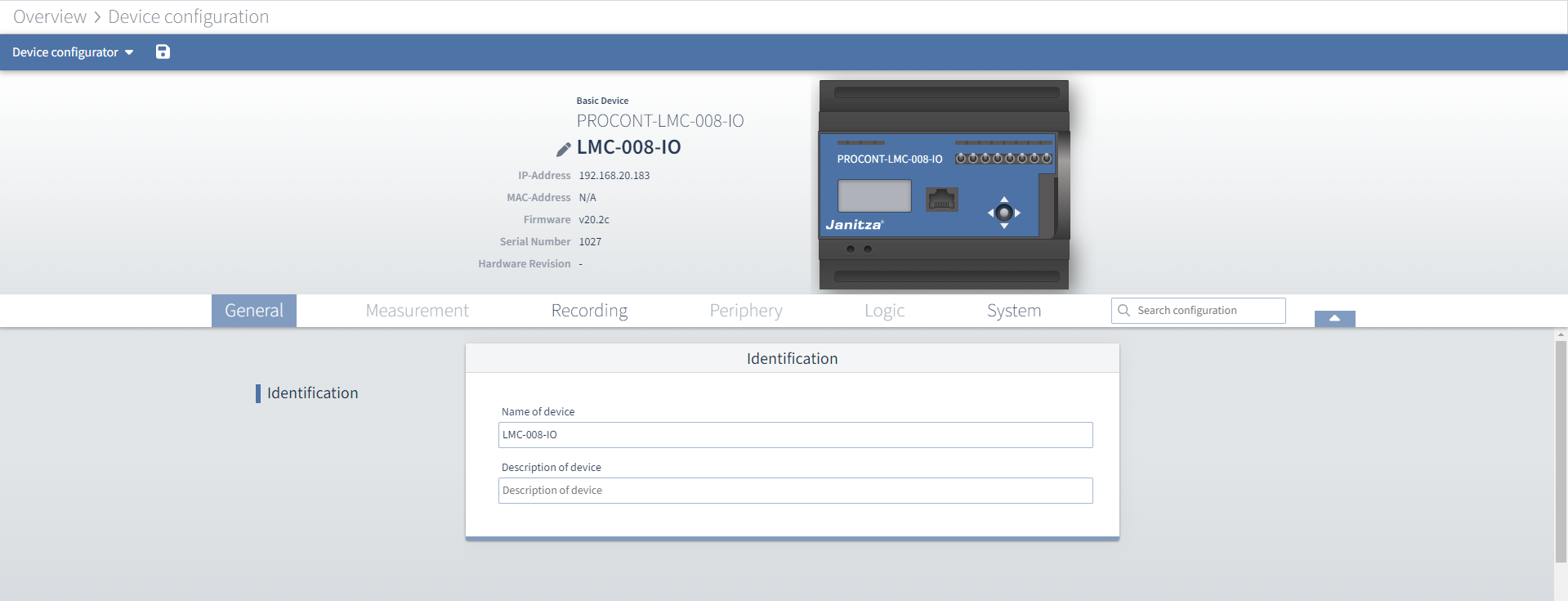
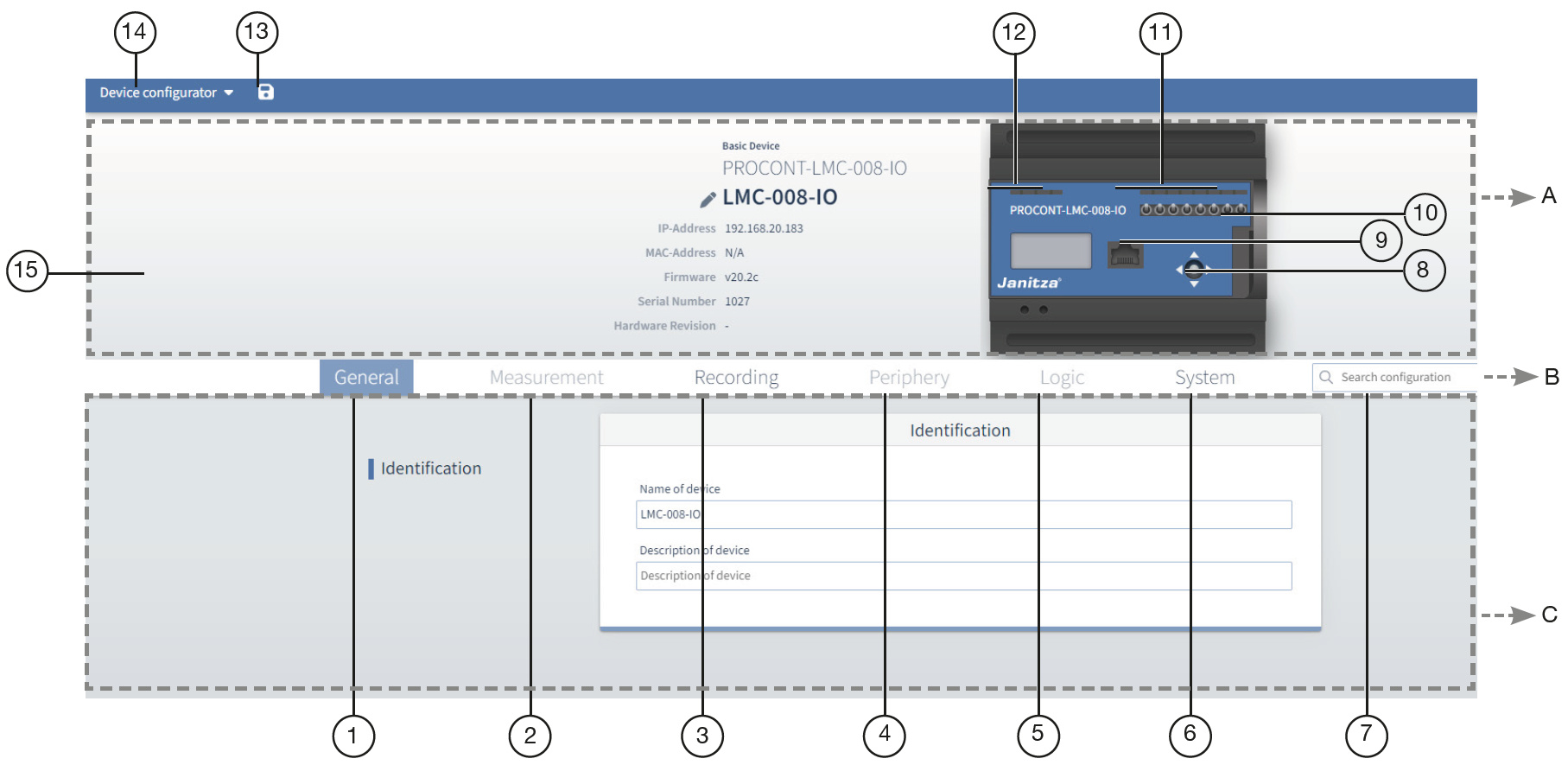
A - Info & Configuration |
In this section you will find basic information about the device, as well as an overview of the device and its connections. |
|
B - Menu bar |
You can quickly navigate to the desired configuration card using the tabs for the corresponding main categories and the search field. |
|
C - Configuration |
The lower area shows all the available tabs. |
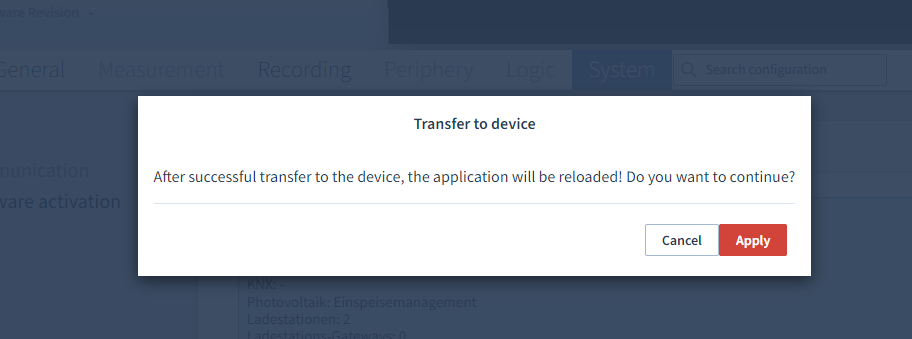
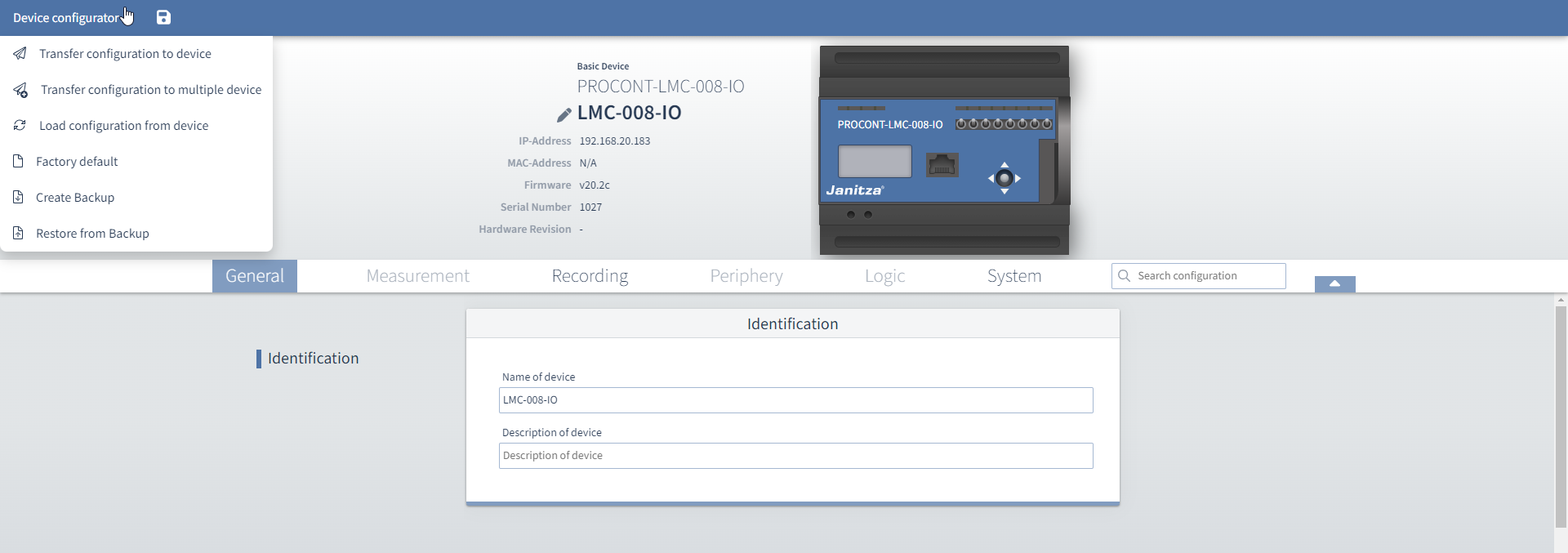
"Device configurator" menu
|
Item |
Name |
|
Description |
|
|
1 |
General |
Identification |
Name of the device: Enter the freely selectable device name (max. 127 characters) Description of the device: If desired, enter a freely selectable description of the device (max. 239 characters). The following parameters are displayed to the left of the device: |
|
|
2 |
Measurement |
|
Not available at this time |
|
|
3 |
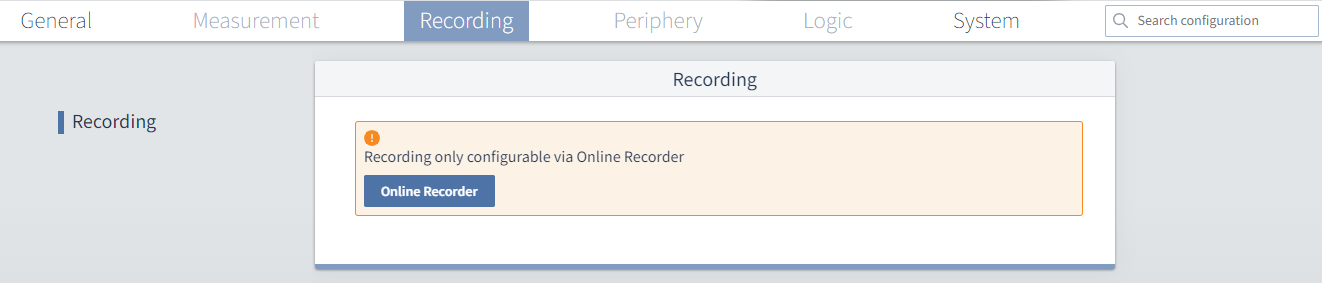
Recording |
|
Configure the recording via the Online Recorder. You can select this function via the GridVis WebVersion under Management → Online Recorder. |
|
|
4 |
Peripherals |
|
Not available at this time |
|
|
5 |
Logic |
|
Not available at this time |
|
|
6 |
System |
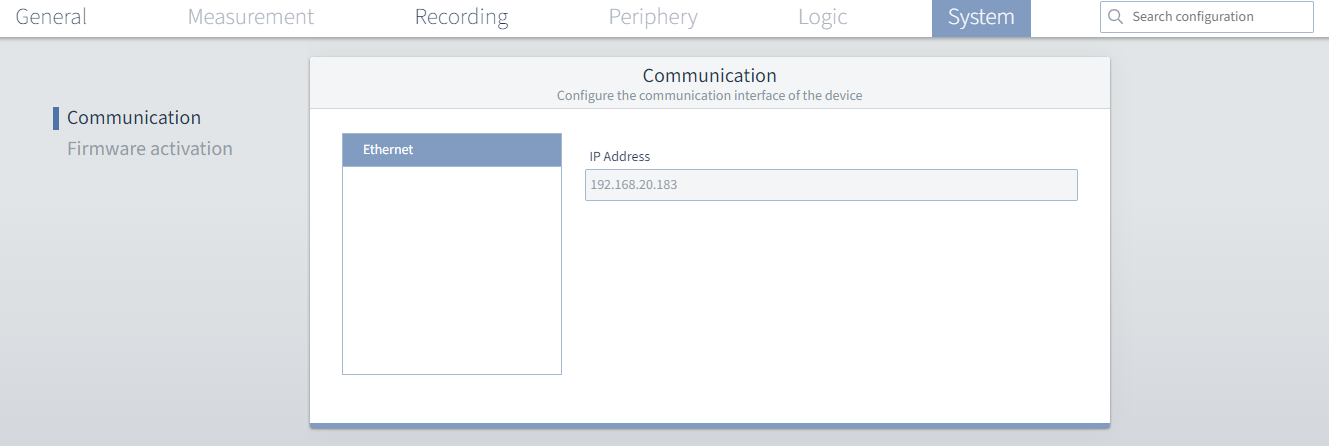
Communication |
Select the device communication interfaces Ethernet interface The Ethernet interface IP address is displayed. |
|
|
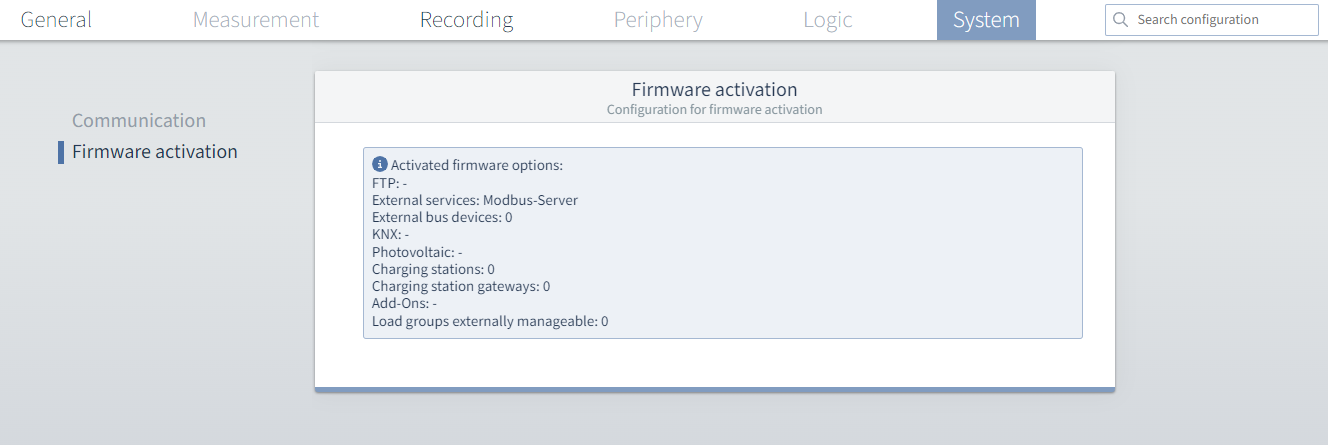
Firmware activation |
Information about the enabled firmware activations: |
|
||
|
7 |
Search configuration |
|
Entering a keyword takes you directly to the corresponding menu. |
|
|
8 |
Joystick |
|
Panel |
|
|
9 |
Ethernet interface |
|
TCP port |
|
|
10 |
Relay outputs |
|
Manual switches for the relay outputs |
|
|
11 |
Status LED |
|
Status LED for relay outputs A1-A8 |
|
|
12 |
LEDs for inputs |
|
|
|
|
13 |
Diskette icon |
|
|
|
|
14 |
Device configurator |
|
In the drop-down menu of the device configurator, select
|
|