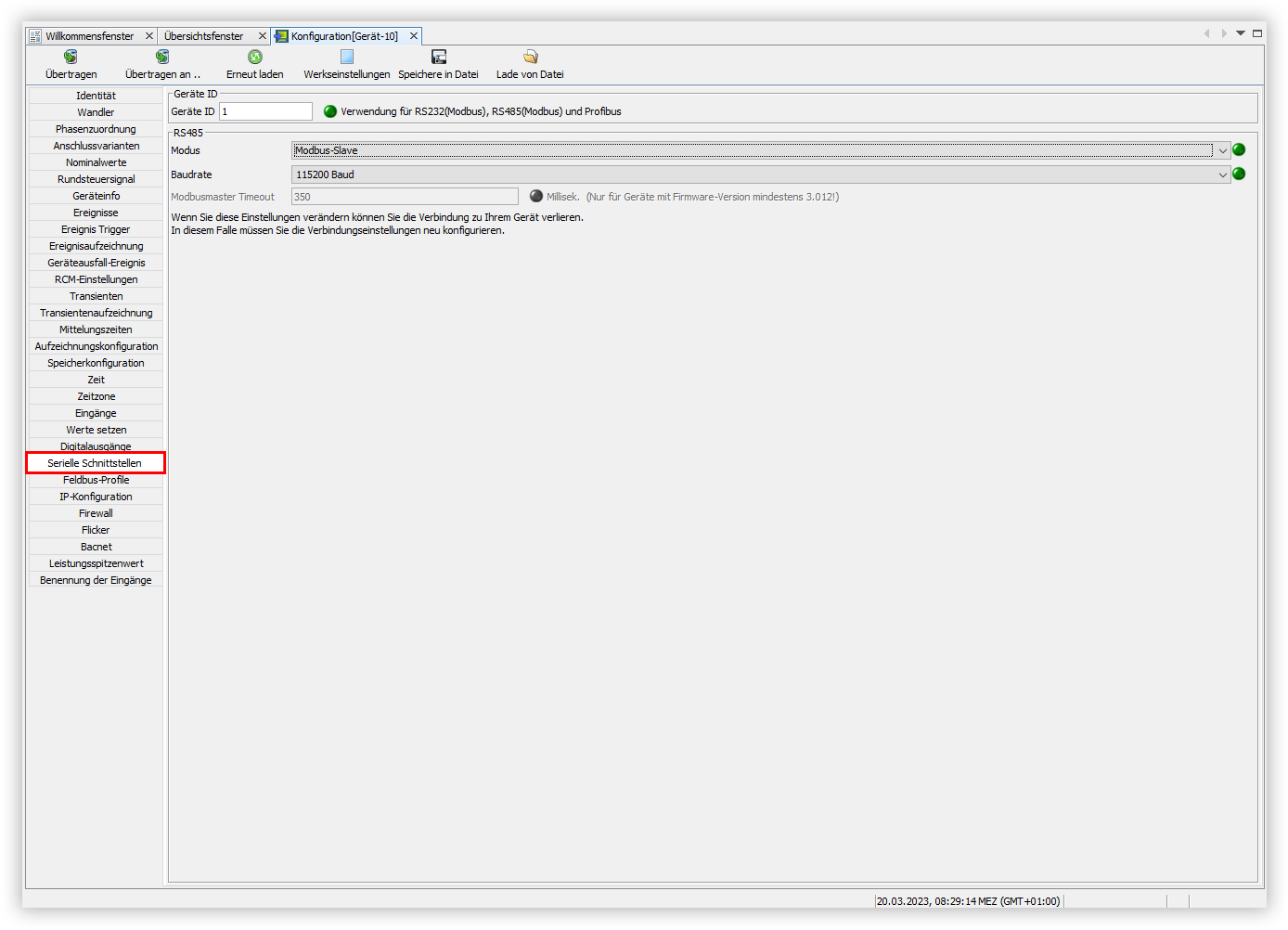
Serial ports

Info
Please note that the configuration of the serial interface may differ depending on the device type. Refer to the user manual for the correct configuration of the serial interface.
Proceed as follows to configure the serial interface of your device using GridVis:
In the Configuration window, click the Serial ports menu item.
In the Device ID input field, enter the configuration of the Modbus address for the device.
Open the Mode drop-down list and select the desired mode for the device.
Open the Baud rate drop-down list and select the desired baud rate for your device.