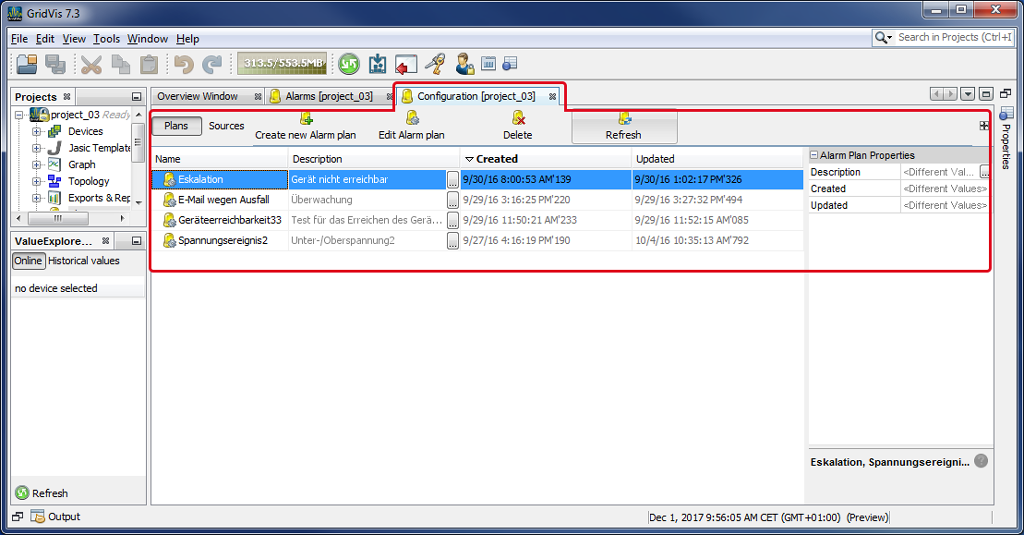
Window (Alarm) Configuration
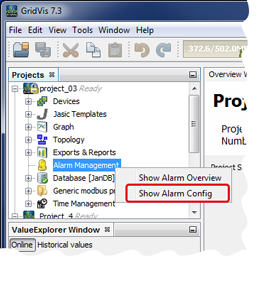
Open the window Alarm Configuration by
right-clicking on the directory Alarm Management in the Projects window and on the entry Show Alarm Configuration in the context menu that then opens.
clicking on the button Show Alarm Configuration in the symbol bar of the Alarms window (Alarm Overview).
In the (Alarm) Configuration window,
you can configure alarm plans (cf. Alarm Plans ) and alarm sources (cf. Alarm Sources ).
you can view the configured alarm plans and alarm sources in a table summary.
you can manage and edit the alarm plans and alarm sources with various functions.