Power Quality
How do I configure the power quality parameters (events and transients)?
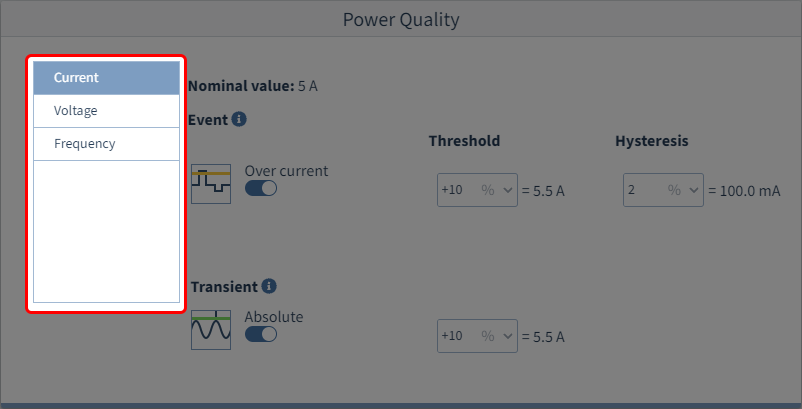
Step 1: Select event category
During operation, the measurement device searches for characteristic features in the voltage or current curve (e.g. transients) and for deviations in the frequency.
First select an event category from the list. These are composed of the standard measurement functions.
The selection offered is:
Current
Voltage
Frequency
Step 2: Activate events
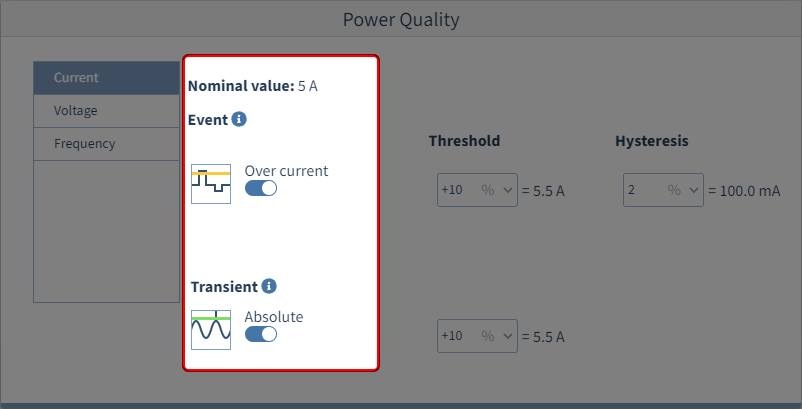
Once you have selected an event category, you can activate an event in the next step by clicking the sliding switch to the right.
The following events are available for the aforementioned event categories:
Current
Overcurrent
Transients
Voltage
Voltage interruption
Fast voltage change
Undervoltage
Overvoltage
Rapid rise (transient)
Envelope (transient)
Absolute (transient)
Frequency
Overfrequency
Frequency change
Underfrequency
Step 3: Configure the events
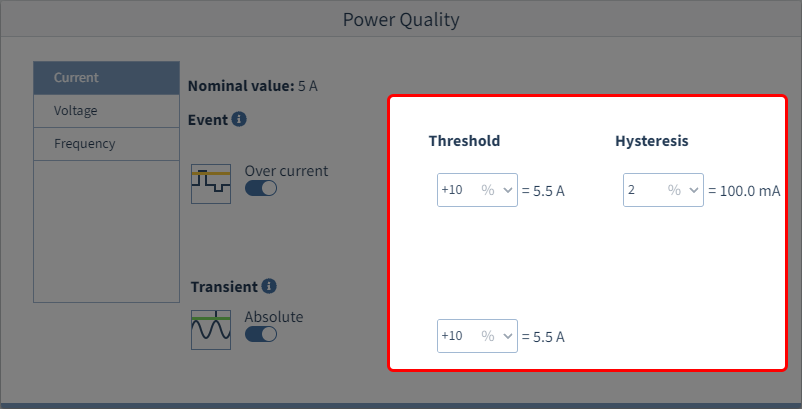
If you activate an event, the associated parameters are displayed at the same time.
Using the thresholds and the hysteresis, you can configure when the respective event is recognized as such and when the normal condition once again prevails. The event starts when a limit violation occurs. The hysteresis defines (except for transients) the termination time of the event.
Using the nominal values as the basis, the calculated values are displayed directly behind the input fields. For the setting, see Nominal values .
Exception
Current: If the nominal currents on the measuring channels are set differently, no calculation is performed.
Frequency: With automatic nominal frequency determination, no calculation is performed.