Measure Values
What do I need recording sets for?
User-defined recordings and measured values
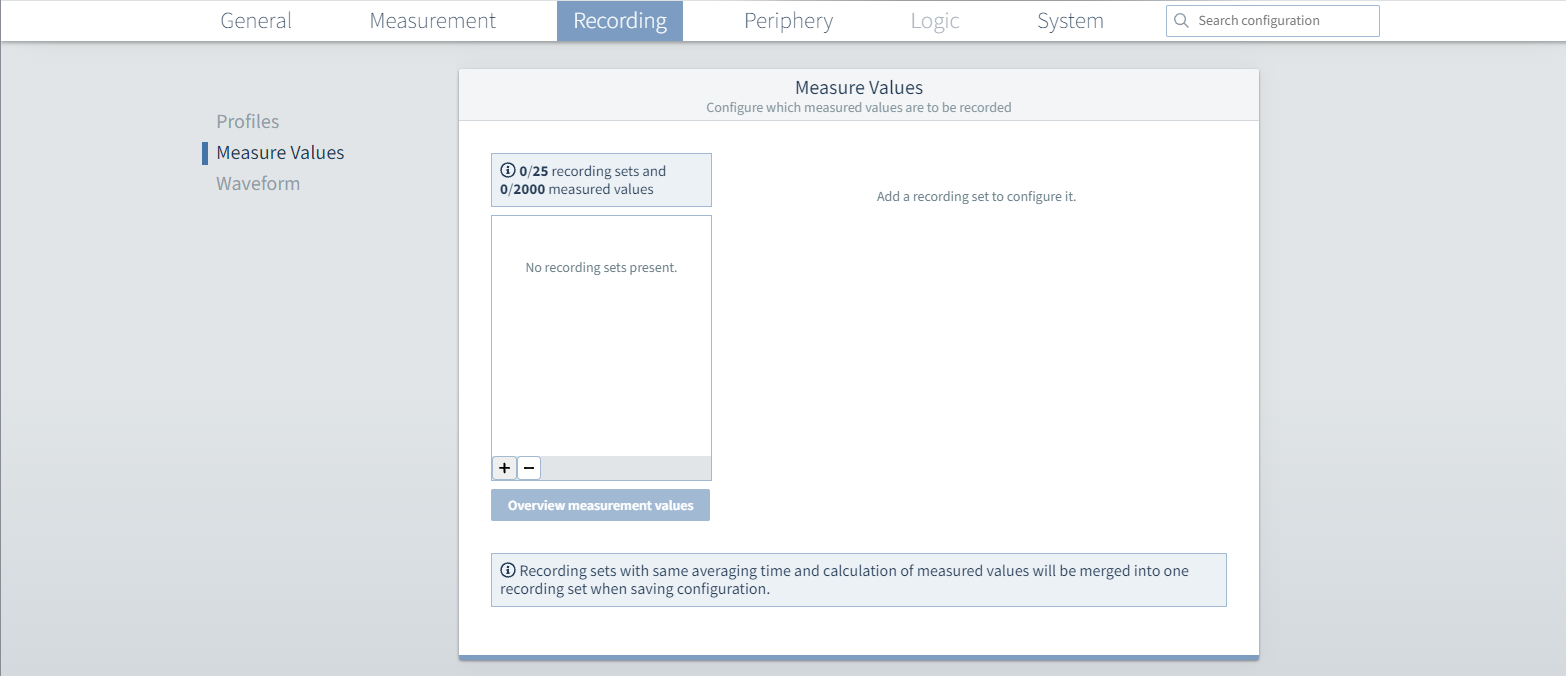
In addition to the predefined recording profiles, user-defined recording sets can also be created. Select any measured values and use them to create your own recording sets.
Note
With preselected recording profiles, recording sets are created in the background. The parameters for these cannot be configured and they are therefore not displayed.
How do you create a user-defined recording set?
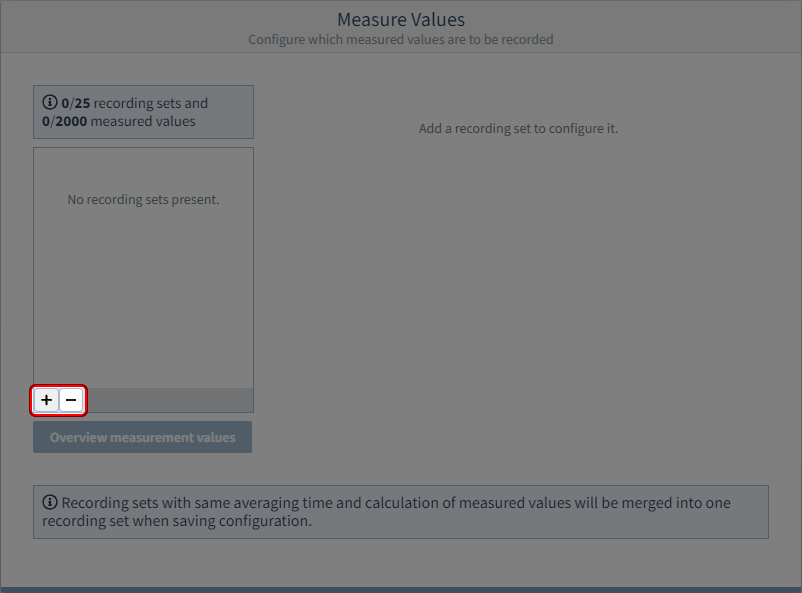
Step 1: Create user-defined recording set
 button - Add new recording set
 button - Remove selected recording set
Step 2: Add measured values to the recording set
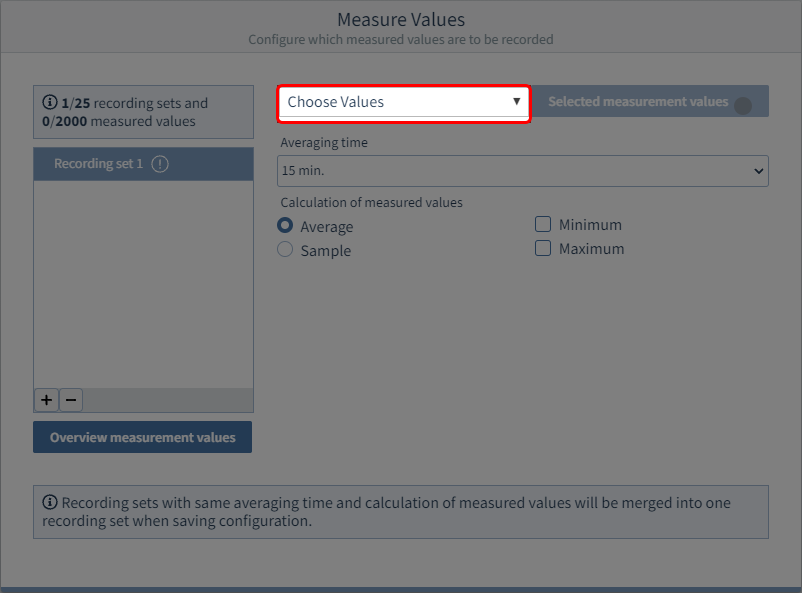
Click the  button.
A tree structure opens in which the measured values are arranged thematically. From this you can select the desired measured values for your recording set.
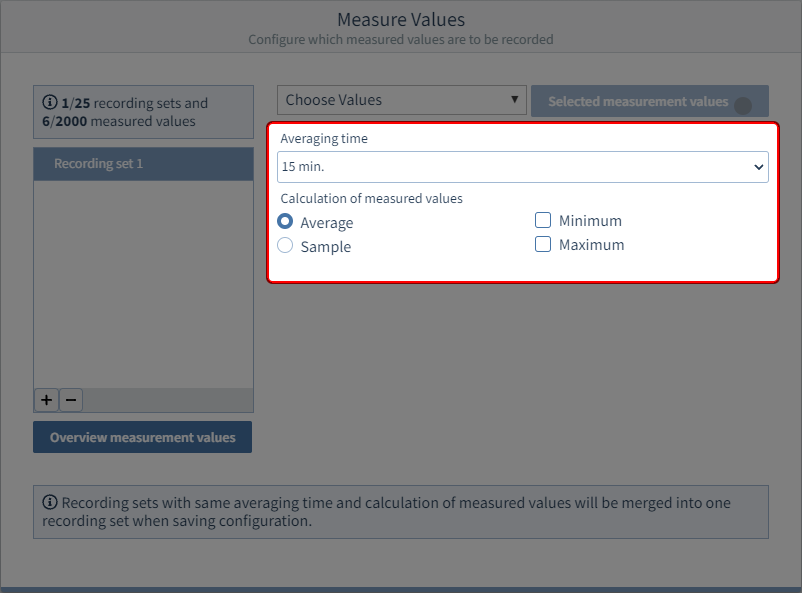
Step 3: Set the recording parameters
After selecting the measured values, you can set the type of measured value calculation and the averaging time for the measured value calculation.
Afterward, transfer the configuration to the device.
Recording sets with the same recording parameters (averaging time/measured value calculation) are grouped.
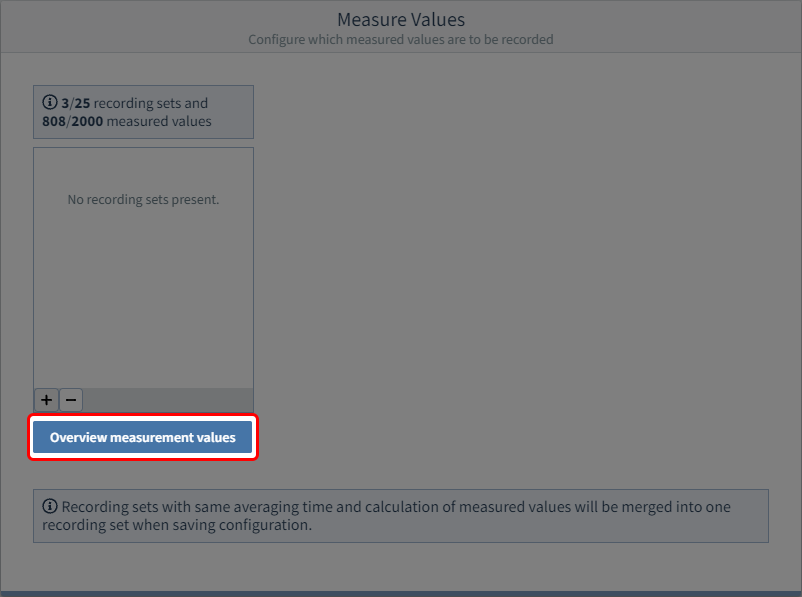
INFO: Overall overview of measured values
To make sure that the desired measured values are also recorded, use the Overview measurement values button to open a summary of the measured values.
This contains all measured values from previously selected recording profiles and the user-defined recording sets.