Digital outputs
Define the function for each digital output.
Settings
How to configure a digital output:
If the desired digital output is not yet displayed, you must first activate it:
Click on the output in the device image.
Activate the output.
The output is displayed on the Digital output configuration card.If desired, assign a Channel name to the output. The channel name is stored in the database.
Select the Mode.
The Digital output configuration card is adapted to the selected mode.Make the settings on the configuration card.
Optional: To switch a digital output in dependence on a comparator result, configure the corresponding comparator group under Logic > Comparators.
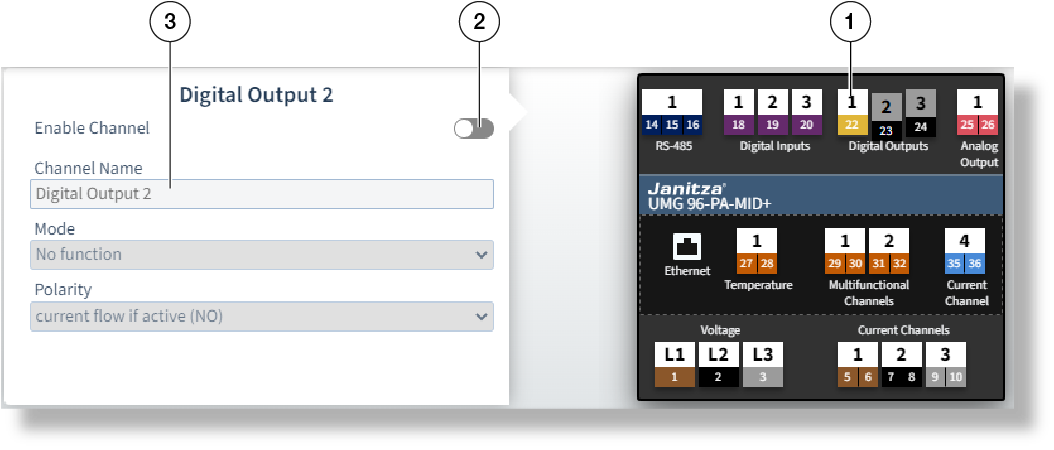
Example image: UMG 96-PA-MID+
The settings available on the configuration card depend on the value in the Mode field.
Not every mode is available for every digital output (see user manual).
Mode = Comparator group output
The result of a comparison is output via the digital output (see user manual).
To do this, configure the corresponding comparator group under Logic > Comparators.
No setting is required or possible on the Digital output configuration card.
Mode = S0 output
The output operates as a pulse output. When a certain amount of active or reactive energy is reached, a pulse is issued at the output.
Pulse width
Specify a pulse width in milliseconds that can be processed by the receiving device. The pulse width is uniform for all S0 outputs and is not configurable on the UMG 96-PA-MID+ .
Pulse valency
Enter the pulse valency (see user manual).
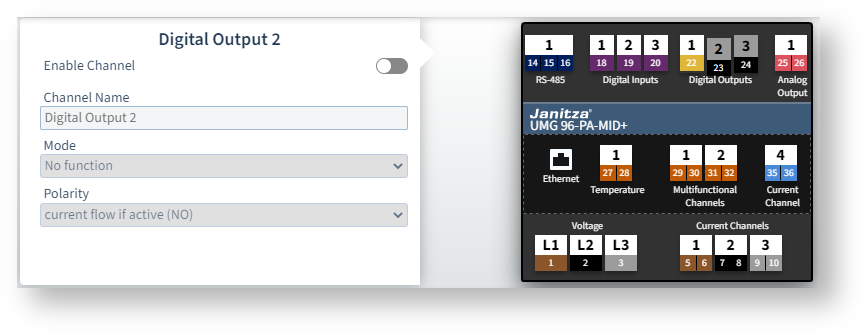 Example image: UMG 96-PA-MID+
Mode = Output for timer
Configure the times for switching the output in GridVis under Management > Scheduling.
No setting is required or possible on the Digital output configuration card.
Mode = Modbus remote output
The assigned digital output is switched depending on the value of a Modbus register.
More information on this can be found in the Modbus address list available for download at www.janitza.de .
No setting is required or possible on the Digital output configuration card.