Firewall*
The firewall allows you to restrict access via specific protocols and connections.
Note
* This configuration card is only available for measurement devices of the UMG 96-PQ-L series with the 96-PA-RCM-EL module (as of FW 2.18).
Activate firewall
The firewall is always active (cannot be disabled) so that the protocols and connections are always controlled.
Move the mouse over a blue icon.
Descriptions of the protocols and connections are displayed in tooltips as a pop-up when you mouse over Info.
Note
If you deactivate Modbus TCP/IP and transfer the configuration to the device, you can no longer access the device from GridVis.
This could be useful, for example, if you want to operate the device exclusively as a server (slave) in a Modbus RTU (via RS-485).
To undo the shutdown of Modbus TCP/IP, reset the device to the factory setting.
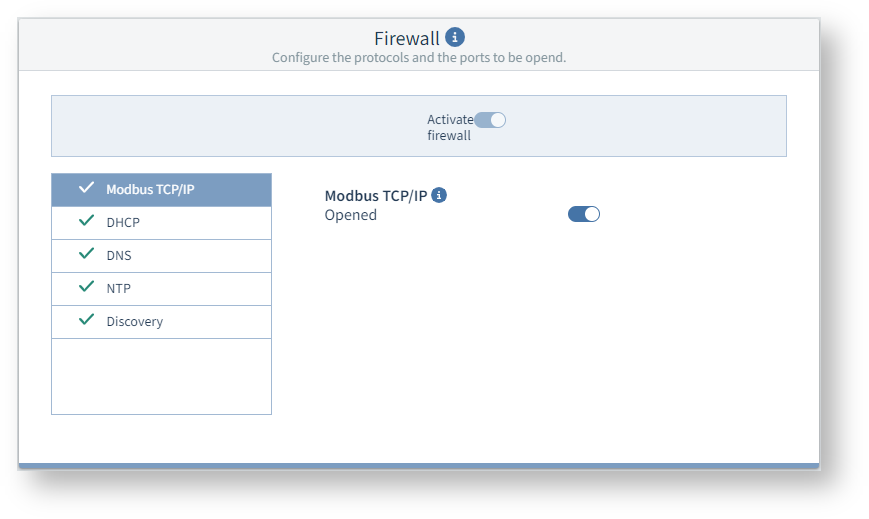
Example image: UMG 96-PQ-L