Online licensing

Note
You need a Janitza ID for online licensing (see Logging in to Janitza ID ).
To be able to license a project online, the GridVis must have Internet access.
Starting the licensing
Open the GridVis Desktop with the project you want to license.
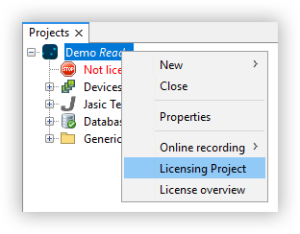
Right-click on the project.
Select the Licensing Project item in the context menu.
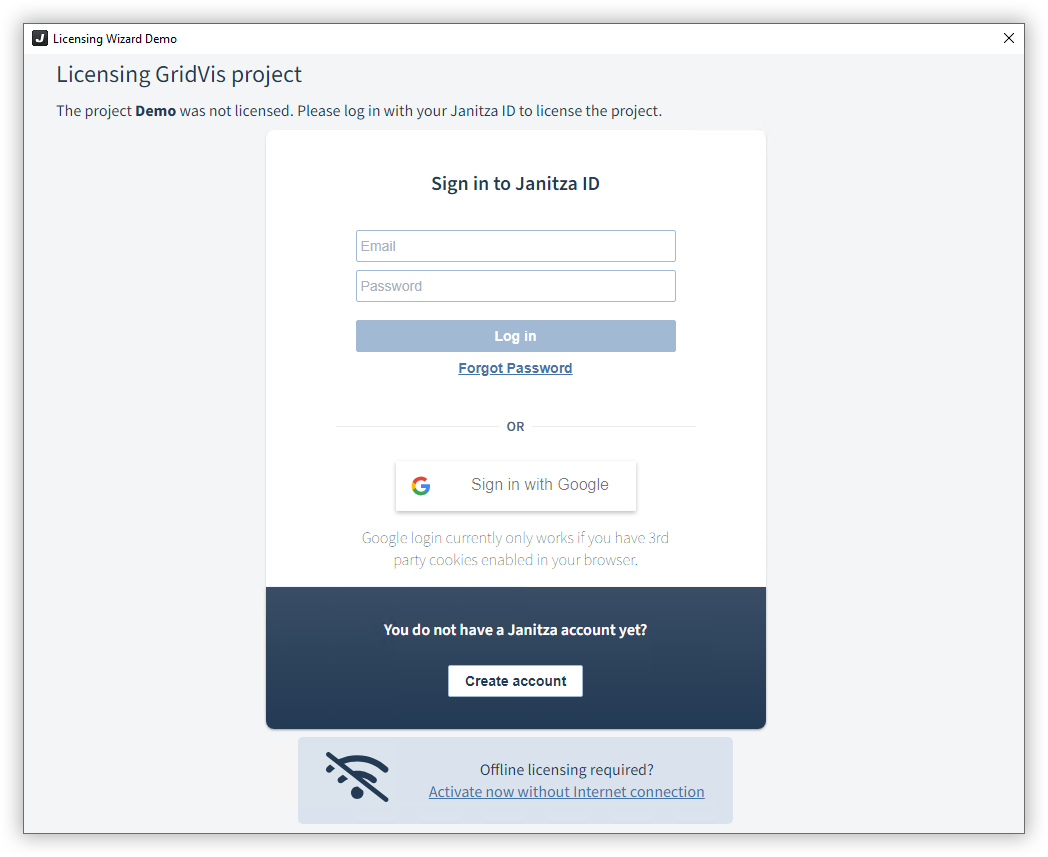
The Janitza ID login window opens.
Log in with the access data for your Janitza ID.
Alternatively, log in with an existing Google account.
Selecting the license
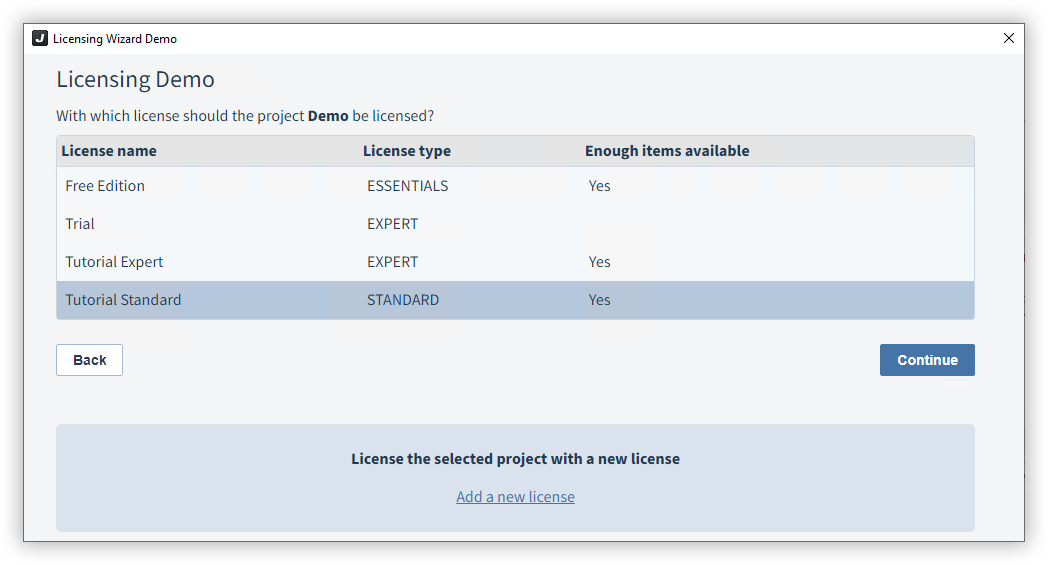
You can see the licenses in your Janitza ID.
Select the license with which you would like to license the project.
Confirm your selection with Continue.
Alternatively, you can also license the project with a new license (see Using a license key ).
Finish licensing
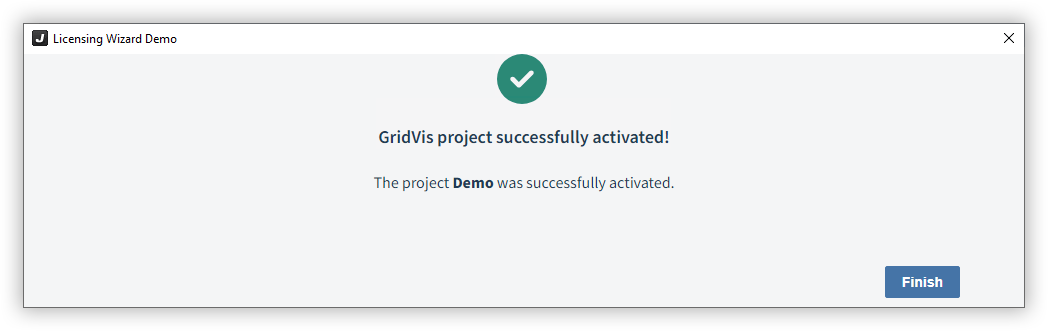
The wizard licenses your project. Complete the action with the Finish button.
The new project is now displayed in your license under Activated projects (see Manage licenses ).