Current Transformer
How do I configure a current channel for a current measurement?
Selection of the current channel from the device overview
On the device overview, there are color-coded buttons for configuring the device connections. These represent the individual channels or measurement groups of the basic device and the modules.
Click on
the desired current channel or the entire measurement group.
If you click on the button of an individual current channel in the interactive area, the associated, expanded configuration area opens at the same time (below)
or alternatively
select the Current transformer configuration card on the Measure tab.
Note
The measurement group modes have an influence on the further setting options of the individual current and multifunction channels.
What are measurement group modes? See Measurement group mode .
Multifunction channels can be used for residual current measurement and temperature measurement in addition to current measurement.
What settings can I make via the interactive area?
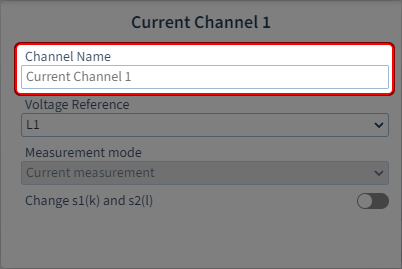
Step 1: Assign channel name
Assign a name or designation for identification.
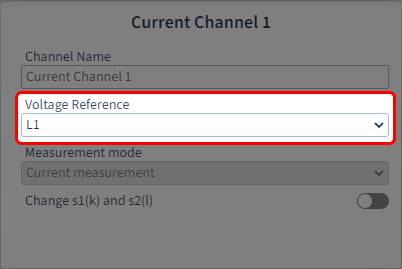
Step 2: Specify the voltage reference
Depending on the setting Measurement group mode .
Single measurement:
The voltage reference parameters are freely configurable for each channel in this measurement group mode.
Three-phase system (limited) :
The 4th channel in each group (current channel 4 and 8, multifunction channel 4) can be configured freely (for example, for an auxiliary measurement), just as for single measurement.
For all other channels (1-3/5-7) the voltage reference is fixed (L1-L2-L3).
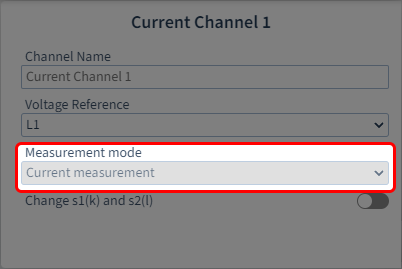
Step 3: Specify the measuring mode
Depending on whether this is a current or multifunction channel.
Current channel:
The 2nd channel in each group (current channel 2 and 6, multifunction channel 2) can be configured and has the following measuring modes:
Current measurement: Measurement using three current transformers
Calculated:(Aron circuit): Measurement using two current transformers
For all other current channels, current measurement is fixed as the mode.
Multifunction channels:
Also have the measuring modes residual current measurement and temperature measurement.
Special features
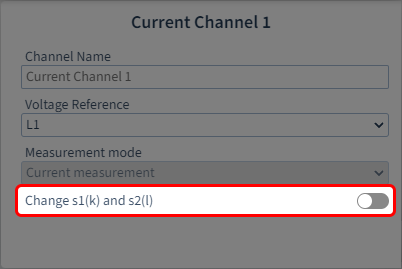
Swap s1(k) and s2(l)
If the current transformer connections were incorrectly connected during installation, you can swap the connection polarity via the software.
How do I set the current transformer parameters for the current channels?
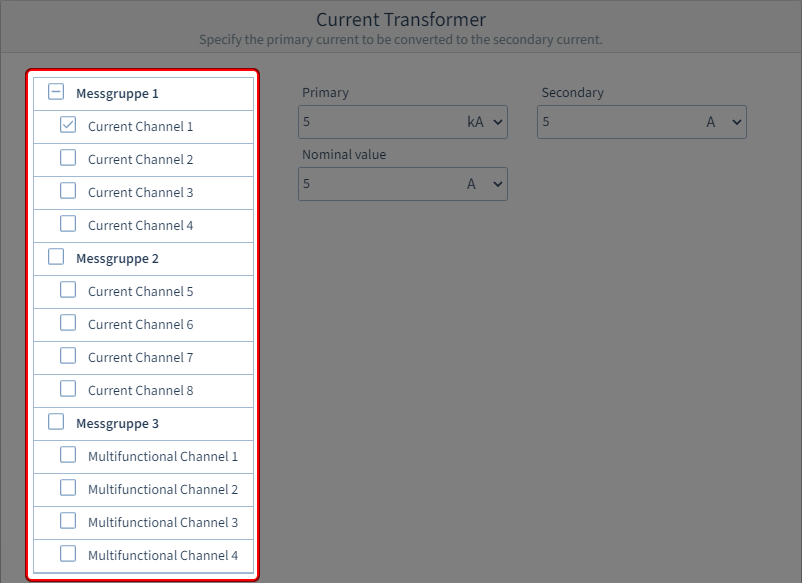
Step 1: Select the current channels
First select a measurement group or a single current channel. You can directly assign the same parameters to an entire measurement group or, if needed, configure each channel individually.
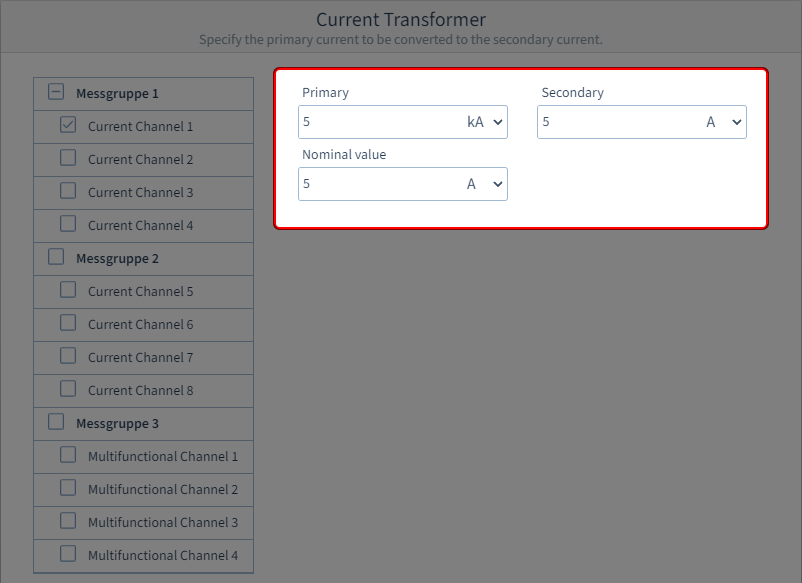
Step 2: Enter the current transformer parameters
Enter the primary and secondary current as per the technical data of the voltage transformer. This represents the conversion or winding ratio of the current transformer.
Enter the rated nominal current of the current transformer in the Nominal value input field and select the appropriate unit. This is the same value as in the Nominal current input field on the configuration card Nominal values.