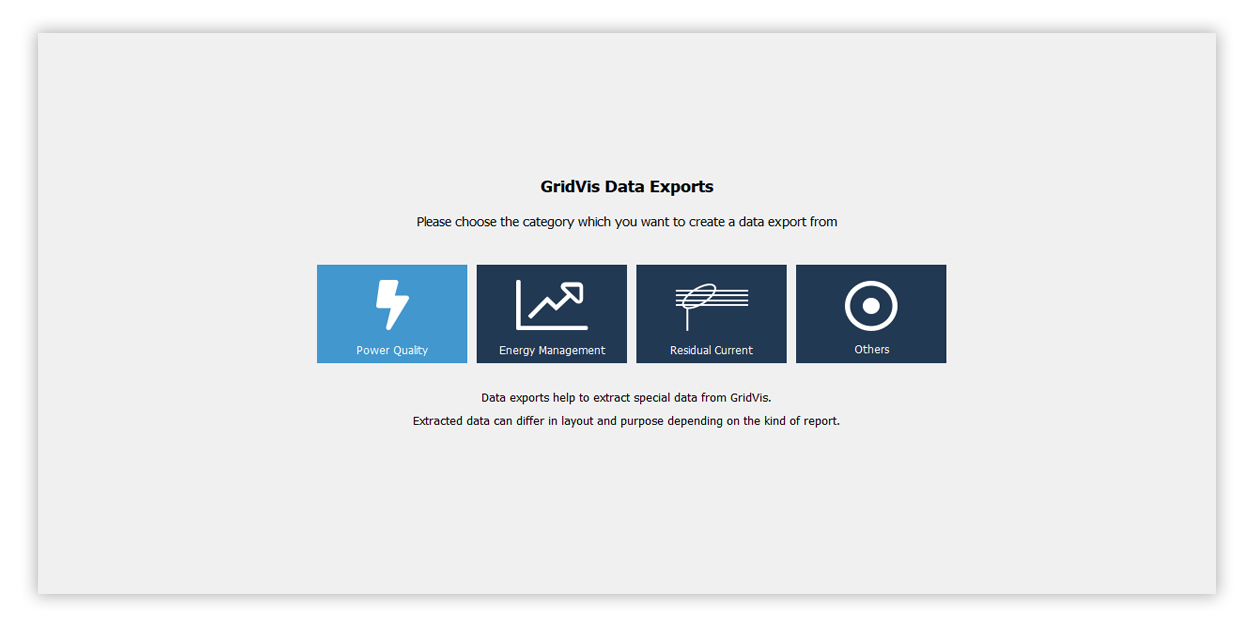
Data Exports
Power Quality
Energy Management
Residual Current
Others

Open the tree item of your project and right-click on the item Data exports.
In the context menu, select the option Create data export.
The Choose export groups window opens.
Select the desired data export group and click Next to open the data export selection. Extracted data can differ in layout and purpose depending on the kind of report.
Note
You can run the export at any time. To do so, open the tree item Data exports and right-click on the previously configured report. In the context menu, choose the option Execute data export . Use the option Edit data export to change the configuration of the previously created data export.